
Dreamina Seedance 2.5 Prompt Guide
Source: BytePlus ModelArk Documentation
Model:dreamina-seedance-2-5-260628
Document Type: Official Prompt Engineering & Capability Reference Guide
Overall introduction
Typical multimodal video generation capabilities
Seedance 2.5 supports flexible combinations of multimodal inputs such as text, images, video and audio. The following table only lists some typical capabilities. You can combine these capabilities in other ways based on your actual scenarios.
| Task type | R2V tasks supported by Seedance 2.5 | Detailed description of capabilities |
|---|---|---|
| Reference | Subject reference - References the subject's appearance identity and/or voice, such as a person, object, scene, or virtual character. | * Subject image reference * Subject audio and video reference * Subject image + audio reference |
| Motion reference - References motion and dynamic information from videos. | * Action/expression/camera movement/creativity/effects, and more * Motion + subject reference | |
| 3D clay-model reference/rendering - Uses coarse-grained or fine-grained 3D clay-model videos as motion references and renders them into the target visual style. | * 3D clay-model reference * 3D clay-model reference + subject reference * 3D clay-model reference + subject reference + scene reference | |
| Style reference - References the visual style of images or videos. | * Style image/video reference * Style image/video reference + subject reference | |
| Audio reference - References audio information such as music, dialogue, voice, tone, or timbre. | * Audio (music/melody/dialogue/voice) reference * Audio + subject reference | |
| Storyboard reference - References storyboard information such as subjects, composition, actions, plot, and scene progression. | * Storyboard reference * Storyboard + subject reference | |
| Keyframe reference - Uses one or more images as keyframes to generate a video. | * Multiple keyframes reference * First/last keyframes reference | |
| First and last frames | First-frame/first-and-last-frame video generation - Generates a video from a single first-frame image or from two images used as the first and last frames. | Strictly control this through content.role = first_frame/last_frame. |
| Editing | Video instruction editing - Uses text instructions to add, remove, or modify visual elements in a video, with support for timestamps to specify when edits should take effect. | * Add: Add subjects, costumes, camera movements, special effects, and more. * Modify: Modify the subject, parts of the subject, style, background, color, lighting, material, motion, camera position, and more. * Remove: Remove subjects, subtitles, watermarks, and more. |
| Video editing with reference images - Uses text instructions plus reference images to add, remove, or modify visual elements in a video, with support for timestamps to specify when edits should take effect. | ||
| Audio editing - Adds, removes, or modifies audio in video. | * Add: Add vocals, music, sound effects, and more. * Modify: Modify vocals, music, sound effects, and more. * Remove: Remove vocals, music, sound effects, and more. | |
| Extension | Video extension - Continues the input video forward or backward and can require seamless visual and audio continuity. | * Extend forward/extend backward * Extend forward/backward + subject reference |
| Others | One-click video creation - Generates a short video from multiple images and/or videos, with optional text, stickers, transitions, and other elements. | * One-click video creation from source assets * One-click video creation from source assets + reference video |
| Seamless video transition - Takes two input videos and generates the missing in-between segment to create a seamless transition. | - | |
| Combined capabilities - Freely combines the capabilities listed above. | - |
Task instructions
Locked: Editing, first and last frames, and extension
| Task | Definition | Instructions for output video locking | Trigger keywords in prompt |
|---|---|---|---|
| Editing | Edits the visuals or audio of the original video, such as replacing the main subject, adding, removing, or modifying objects, or redrawing and restoring part of the frame. | * Locks the output video's aspect ratio, strictly matching the aspect ratio of the video to be edited. The ratio parameter must be set to adaptive.* Locks the output video's duration, keeping it approximately aligned with the duration of the video to be edited. The duration parameter must be set to -1.> If multiple input videos are provided, the model determines which video to edit based on the prompt. > Due to the model's frame processing mechanism, the output duration may differ slightly from the input, by up to about 0.3 seconds. This only compresses some transition frames; the output content remains approximately aligned with the input and stays complete and unchanged. > If a video generated by Seedance 2.5 is used as the editing input, the output duration will not differ from the input duration. * It is recommended to set output_format to mov. | 1. Set content.role to reference_image, reference_video, or reference_audio.2. Include at least one editing trigger in the prompt: edit video, add, insert, remove, delete, modify, replace, change to, or similar wording. > Add small animals to @video1; replace the character in @video1 with @image1; remove the background music from @video1. |
| First frame/first and last frame | Uses one image as the first frame to generate a video, or two images as the first and last frames. | * Locks the output video's aspect ratio, strictly matching the aspect ratio of the first-frame image. The ratio parameter must be set to adaptive.> If the last frame has a different aspect ratio from the first frame, it will be stretched. Use first and last frames with the same aspect ratio. * Duration: user-defined. | Set content.role to first_frame or last_frame. |
| Extension | Extends the original video forward or backward. | * Locks the output video's aspect ratio, strictly matching the aspect ratio of the video to be extended. The ratio parameter must be set to adaptive.> If multiple input videos are provided, the model determines which video to extend based on the prompt. * Duration: user-defined. * It is recommended to set output_format to mov. | 1. Set content.role to reference_image, reference_video, or reference_audio.2. Include at least one extension trigger in the prompt: extend forward, extend backward, continue, continue from, extend the story, or similar wording. > Extend @video1 backward: the character from @image1 falls from the sky...; Continue the first 5 seconds of @video1: the woman from @video2 enters the frame and says... |
Unlocked: Reference tasks, storyboards, and keyframes
| R2V capability | Inference strategy | Illustration 1 | Illustration 2 | Illustration 3 |
|---|---|---|---|---|
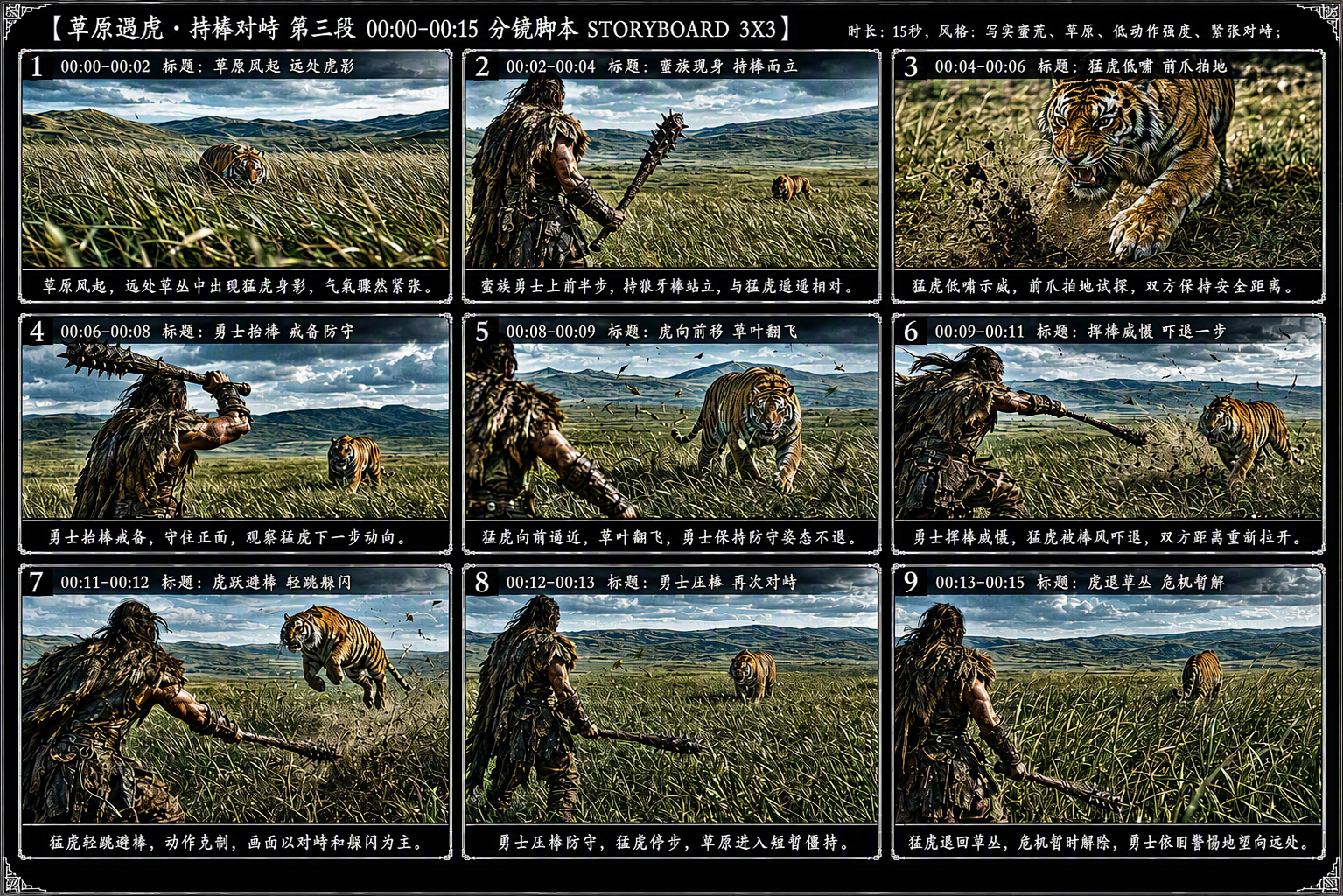
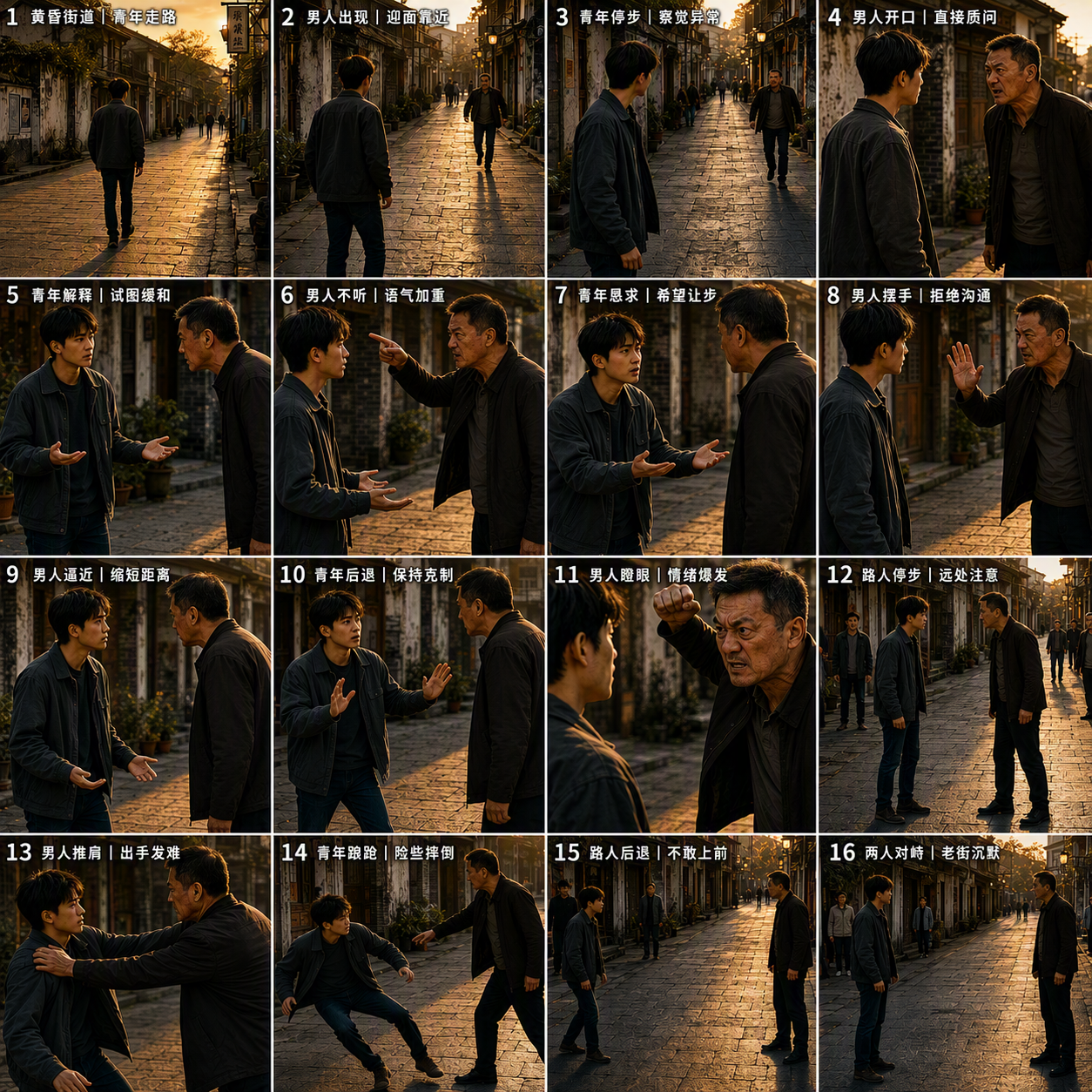
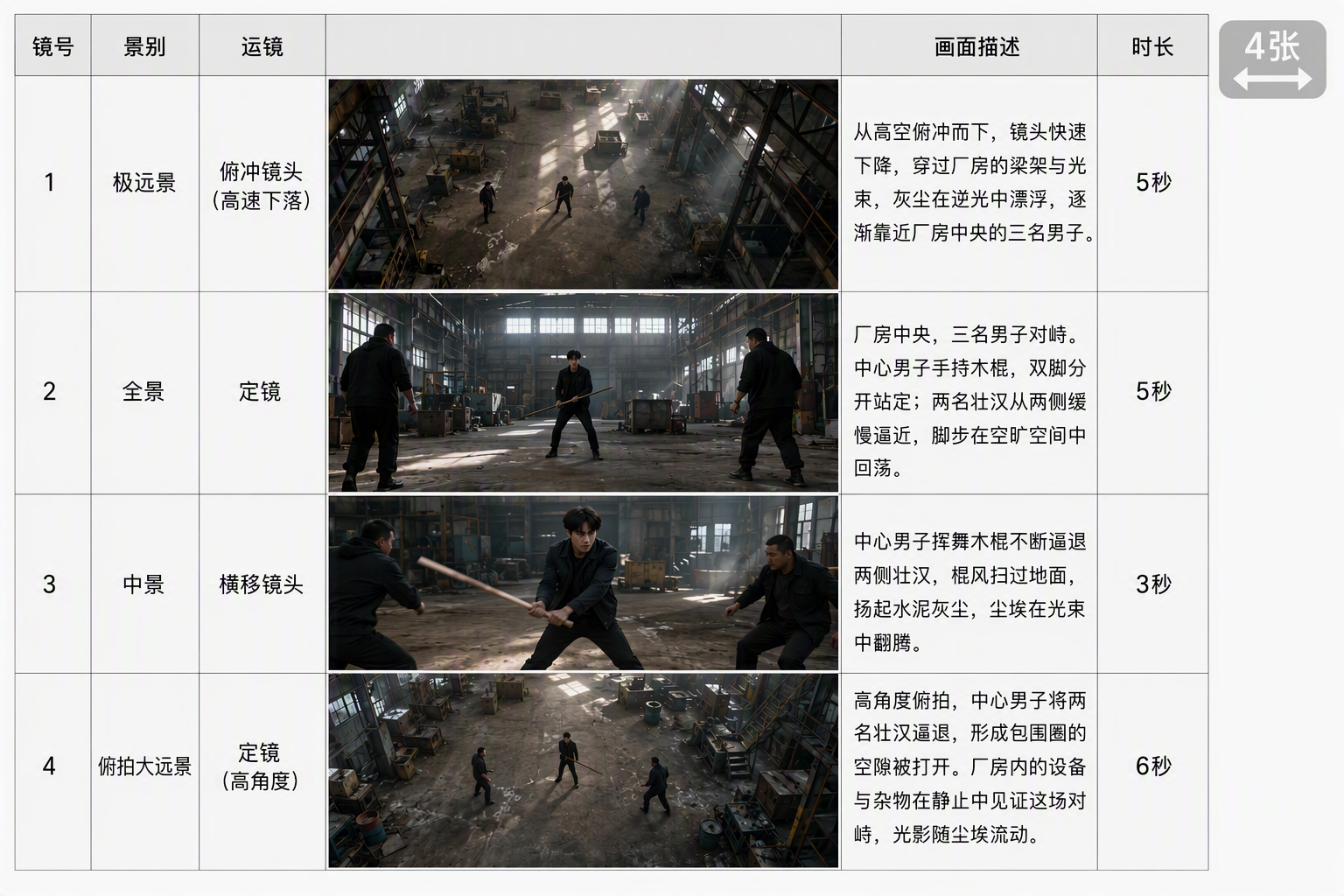
| Multi-panel storyboard | * Generated visuals do not strictly align with the storyboard: When you input a multi-panel storyboard, meaning multiple storyboard frames combined into one image, the generated video does not strictly align with the storyboard, such as with specific visual details. The storyboard mainly provides a high-level plot reference. * We recommend using relatively simple line-art storyboards and using the prompt to fill in information not shown in the storyboard, such as actions, camera movement, style, and other basic information. | 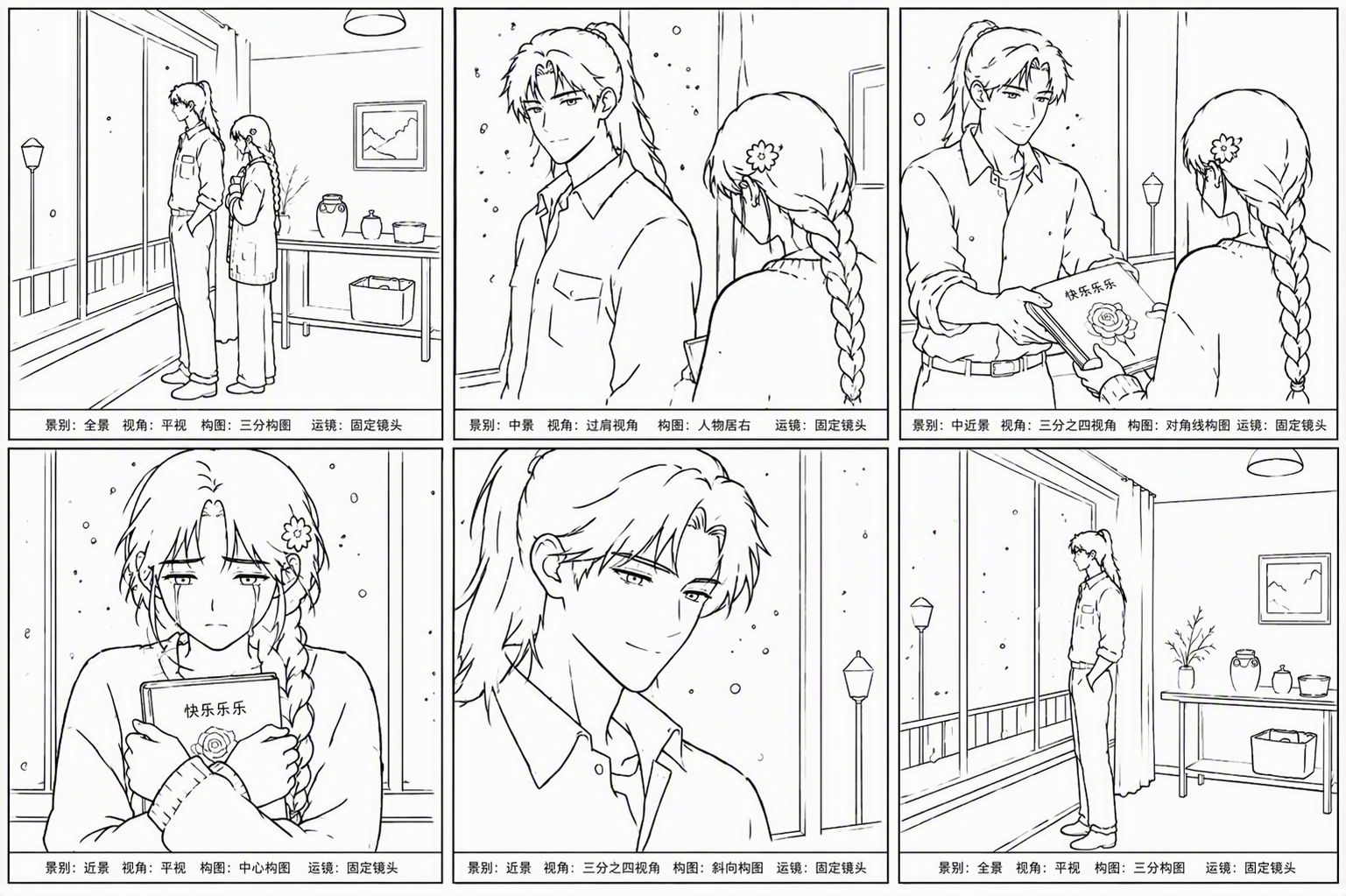 | ||
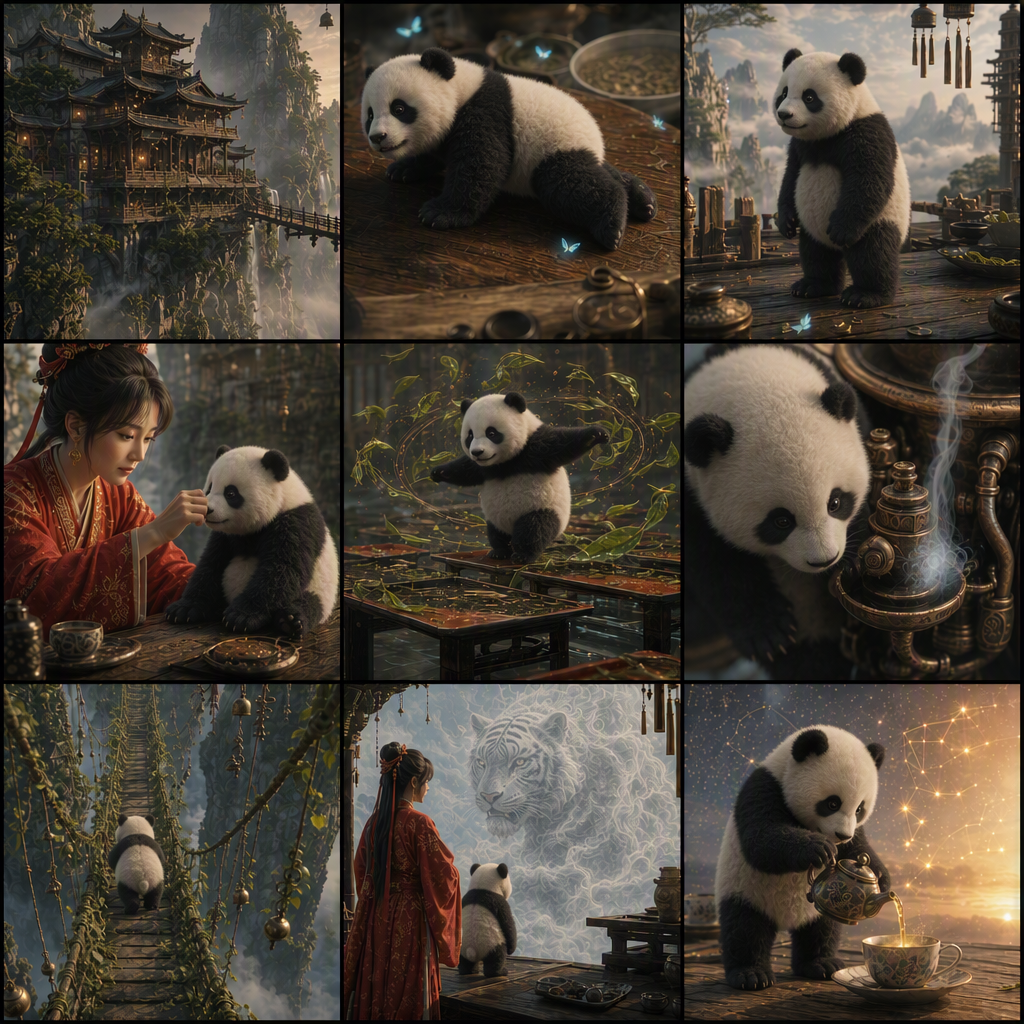
| Keyframes | * Generated visuals align with keyframes: Input multiple independent storyboard images, which may include first-frame or last-frame storyboard images, as keyframes. The generated video visuals will align relatively strictly with the input images. * Duration: user-defined. | 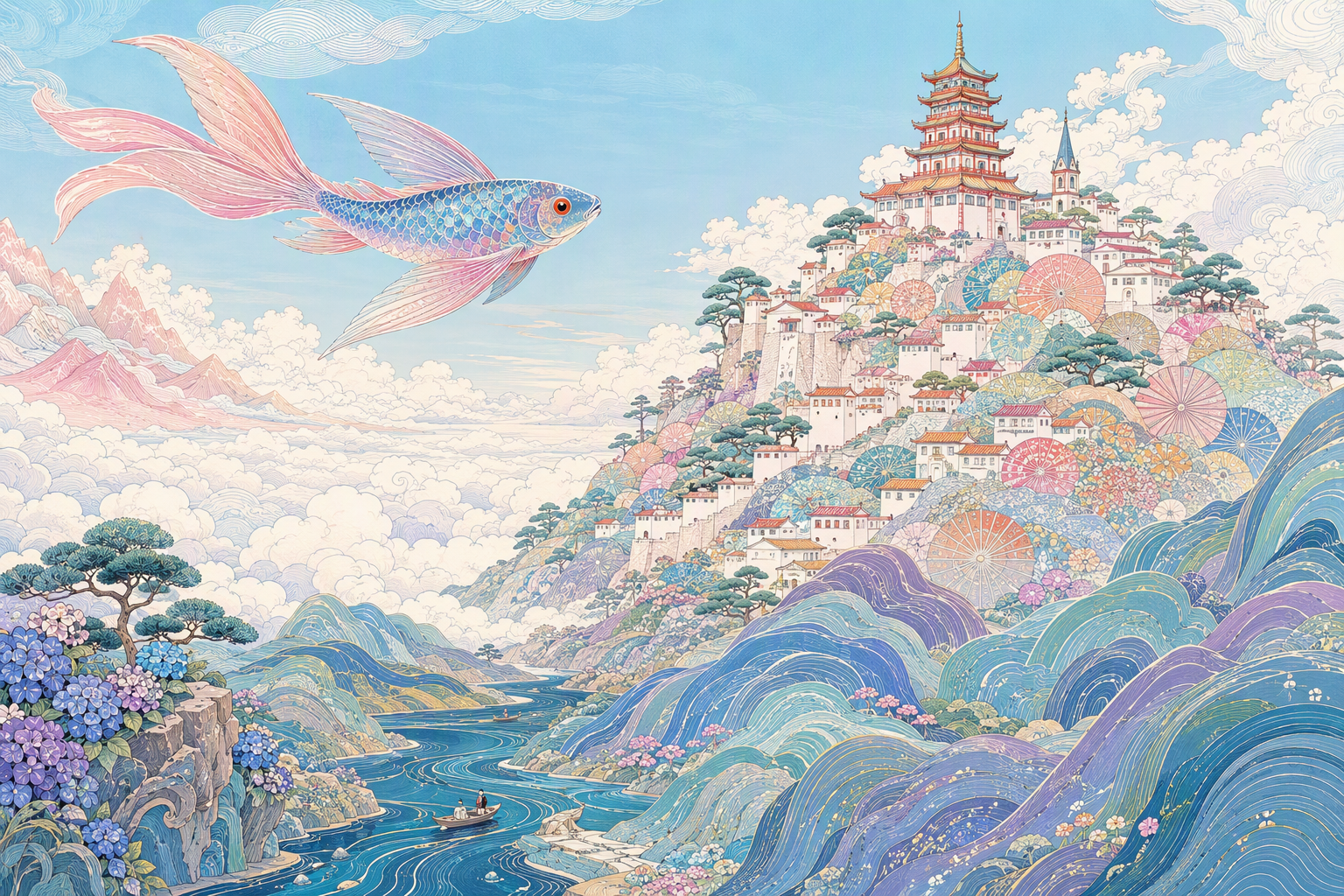 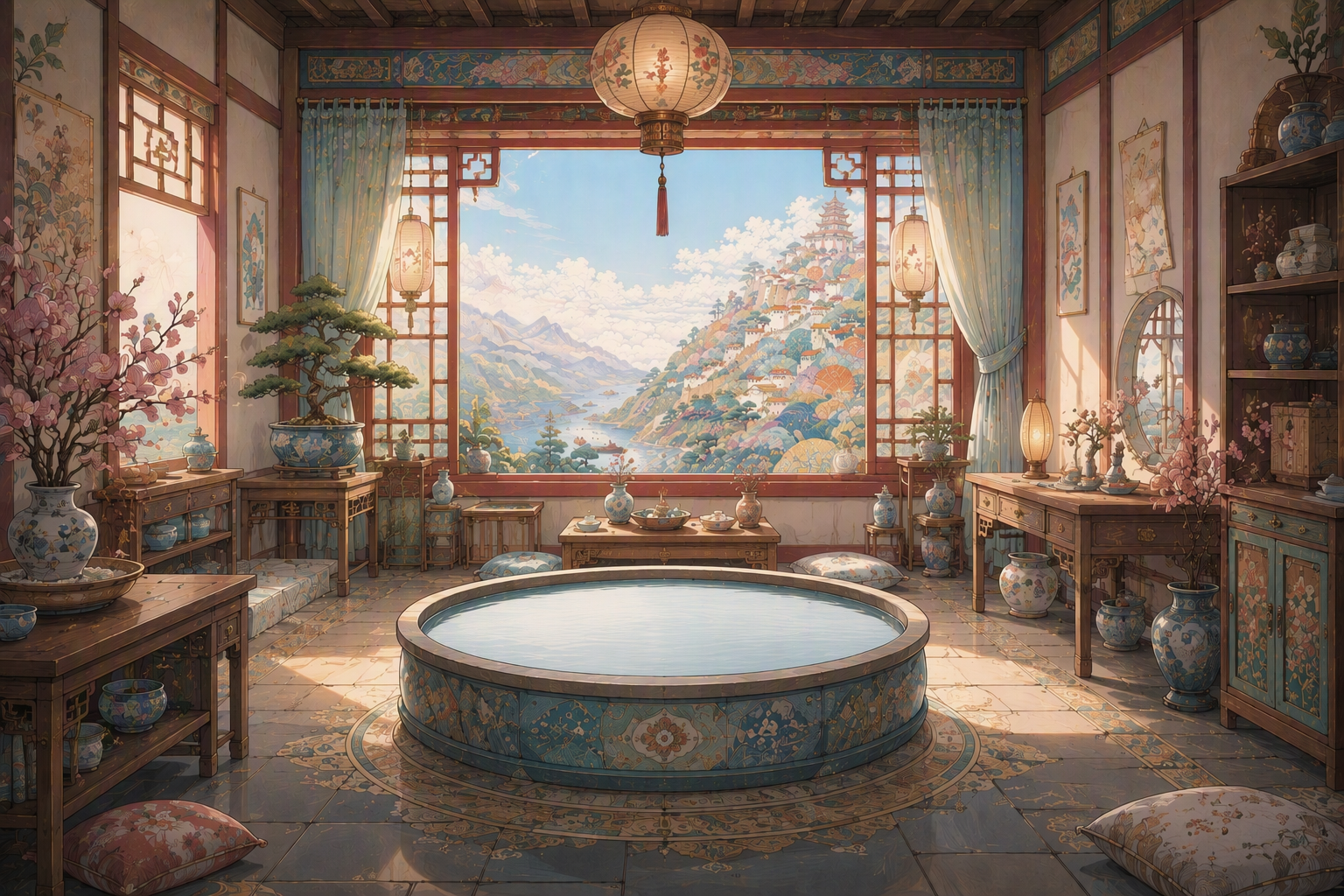 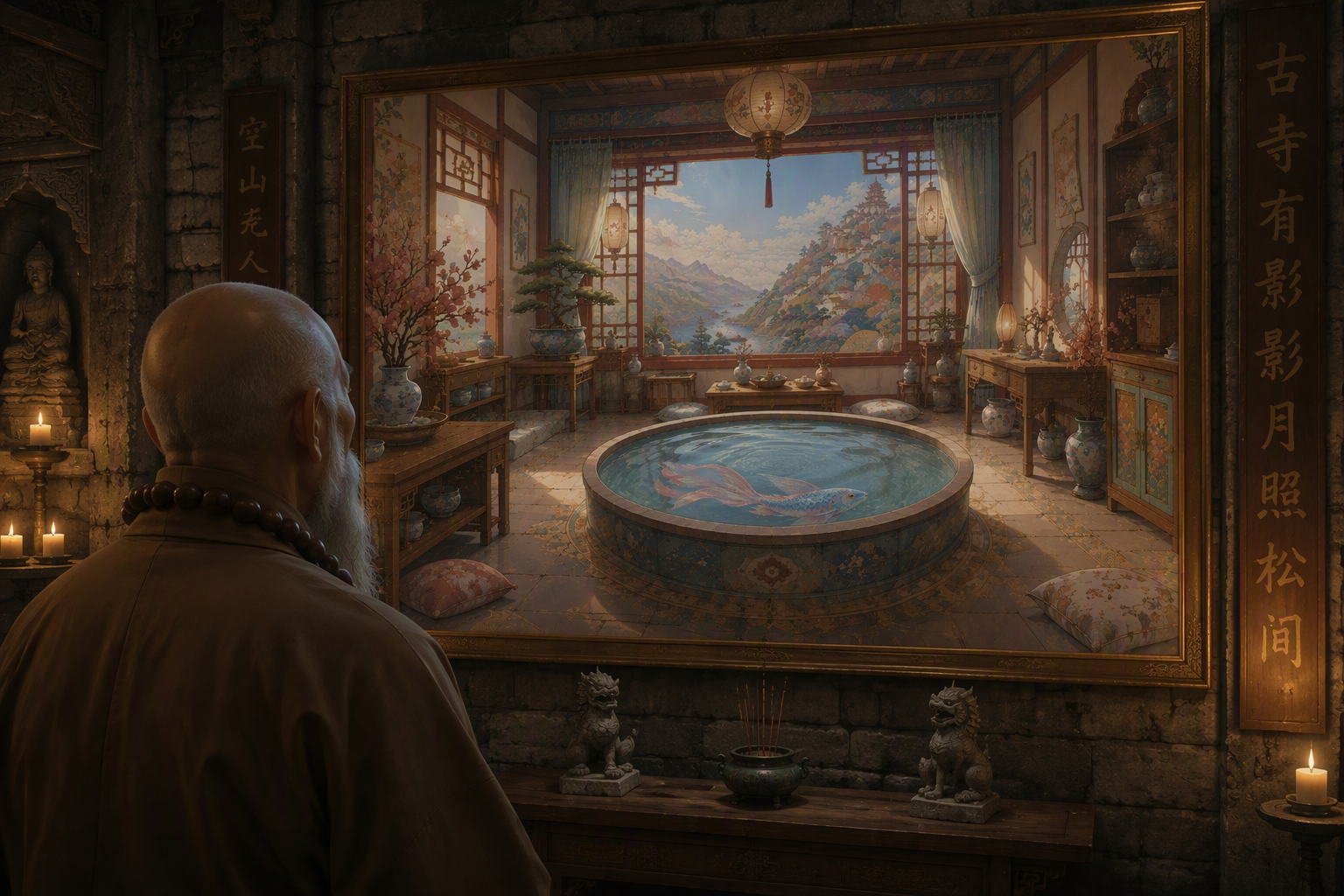 | 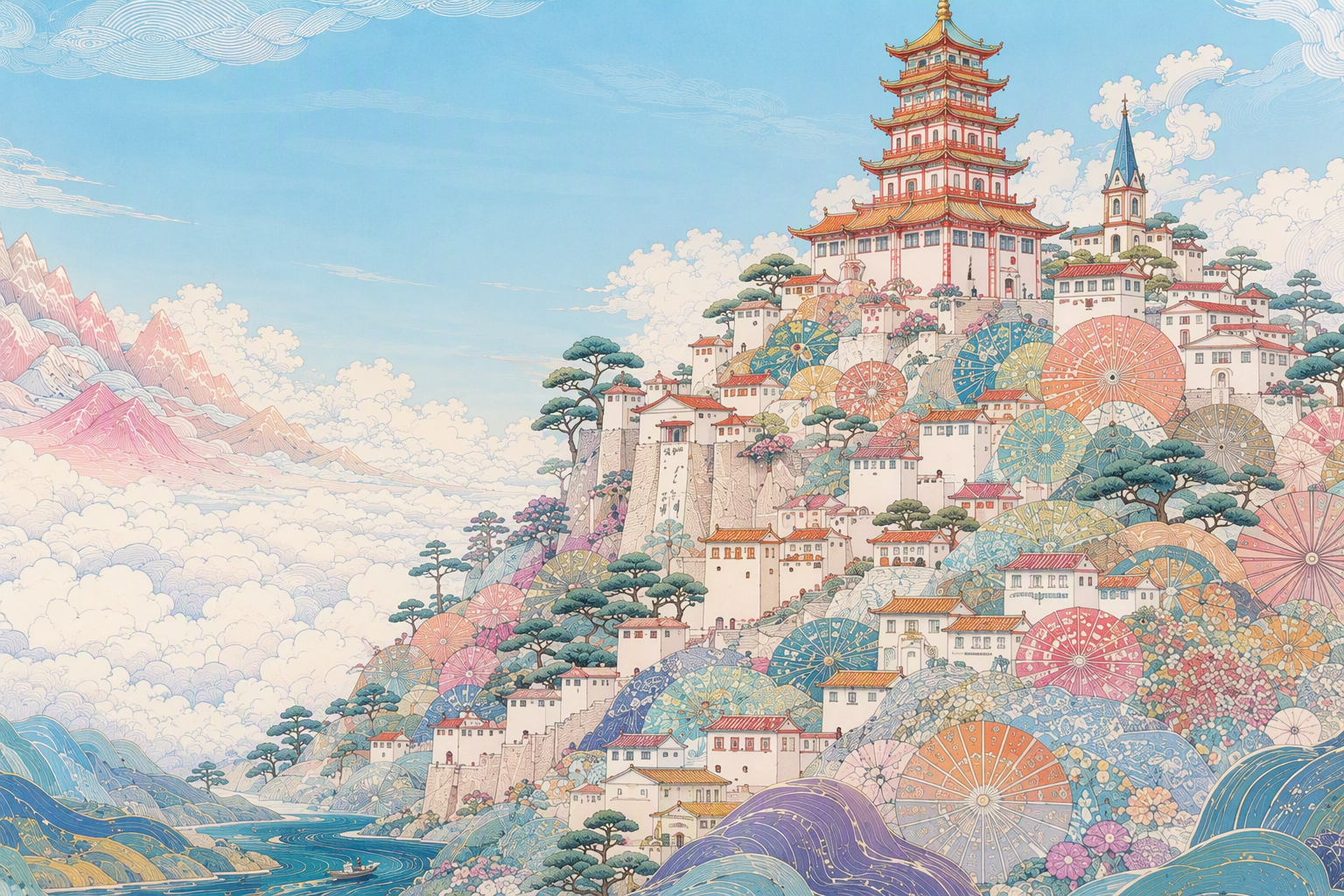 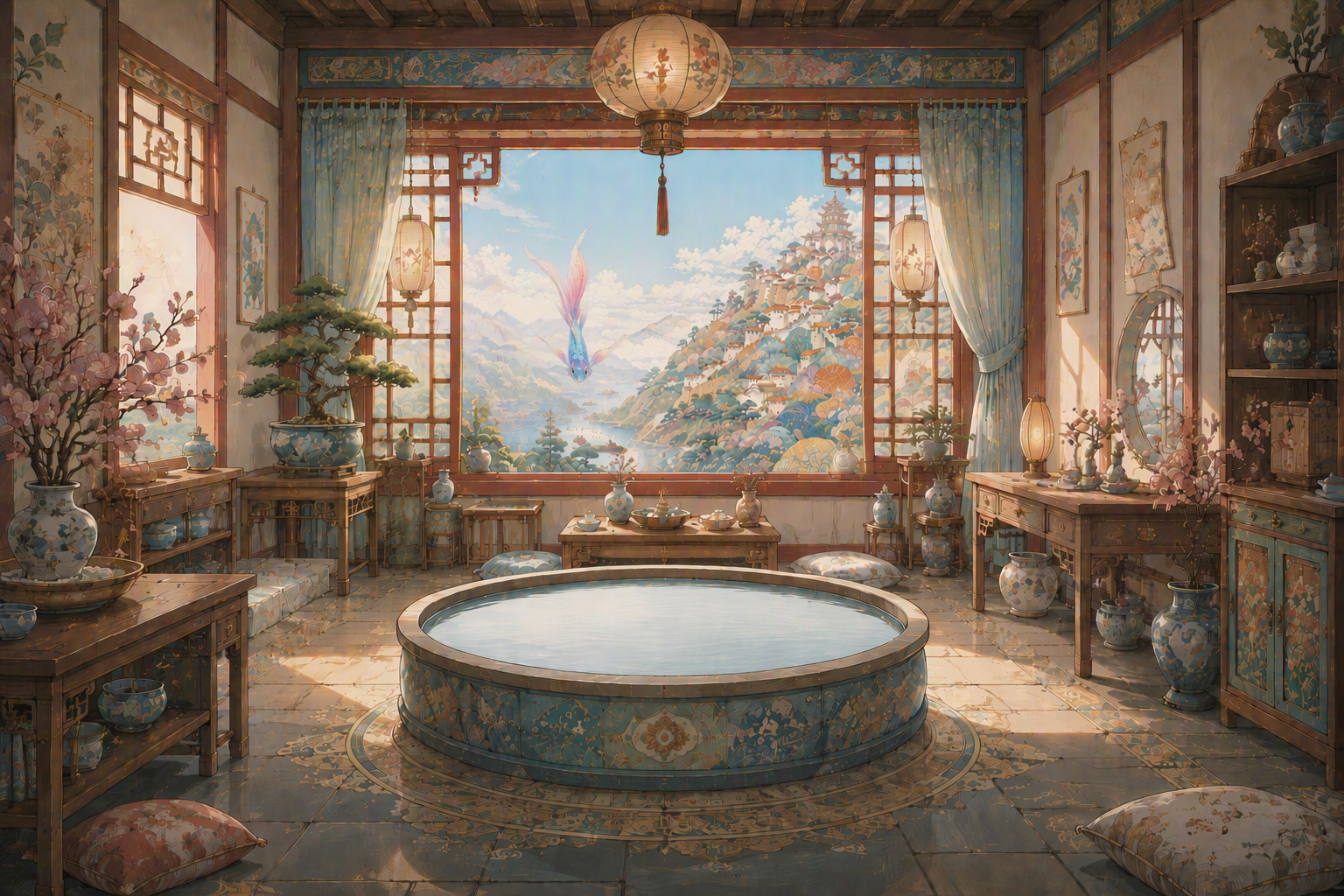 | 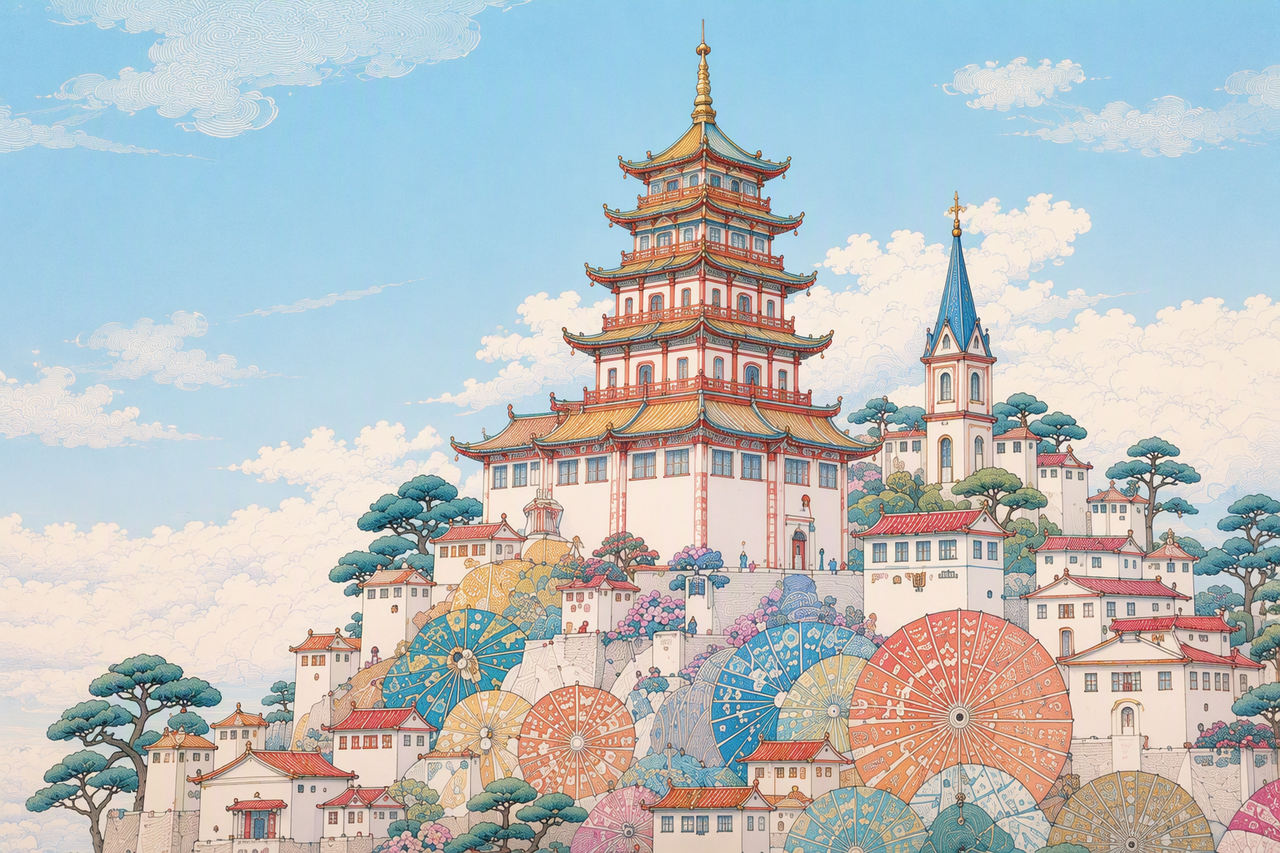 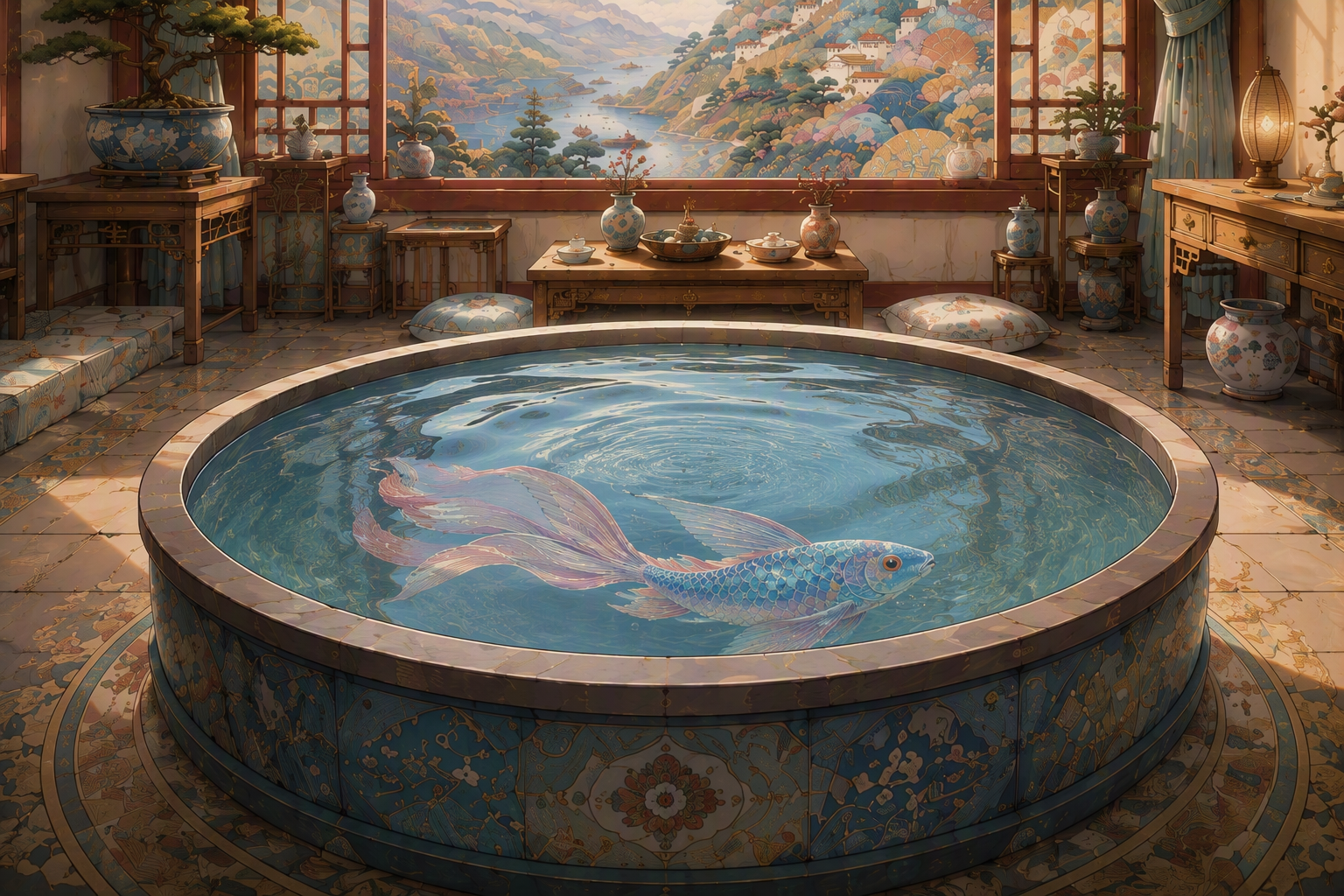 |
Reference asset input recommendations
| Use case | Input recommendations |
|---|---|
| Total reference asset input limits | * Images: Up to 30 images, with resolution up to 4K. * Videos: Up to 10 videos, with a combined total duration of no more than 30 seconds. * Audio: Up to 10 audio clips, with a combined total duration of no more than 30 seconds. |
| For subject audio/video references, how many subjects are recommended? | 1-5 subjects generally produce better results. You may try 6-10 subjects, but stability may decrease and multiple attempts may be needed. |
| For subject audio/video references, what input duration is recommended? | 5-10 seconds generally works better. Longer inputs may reduce stability, and multiple attempts may be needed. |
| For subject image references, how many subjects are recommended? | 1-8 subjects generally produce better results. You may try 9-12 subjects, but stability may decrease and multiple attempts may be needed. |
| What is the difference between subject image inputs from different viewpoints? | * For 1-5 subjects, both single-view and multi-view inputs are supported. * For more than 5 subjects, single-view inputs are generally more stable. If multiple viewpoints are needed, it is recommended to split them into separate images from different views, rather than using one image that contains multiple viewpoints. |
| For storyboard references, how many panels are recommended? | * Multi-panel storyboards are currently better suited for 15 panels or fewer. * Stick-figure or line-art storyboards are recommended. Avoid adding text directly on the storyboard. |
| For 3D clay-model references, is coarse-grained or fine-grained modeling recommended? | Simple, coarse-grained 3D clay-model video generally works better as a reference. Use only simple geometric primitives to represent people, objects, animals, and similar subjects. |
| For video editing, what video length is recommended? | Videos within 20 seconds generally produce better results. Longer videos may reduce stability, and multiple attempts may be needed. |
| For video editing with reference images, how many images are recommended? | 1-5 reference images generally produce better results. You may try 6-8 reference images, but stability may decrease and multiple attempts may be needed. |
| For video extension, what format is recommended? | To achieve the best audio-visual continuity, use the mov format for both the input and output videos. |
Prompt writing recommendations
Treat Seedance 2.5 as a visual content producer, and write structured prompts with a visual storytelling mindset.
Basic prompting techniques
Asset Referencing for R2VOne-Sentence SummaryDetailed Plot DescriptionAdditional NotesRealistic nature documentary style, natural lighting and shadows. On a warm afternoon, on a grassy slope in the forest, a chubby panda cub rolls down the hill.
The panda has fluffy, realistic black-and-white fur, a small round body, and clumsy, adorable movements. The scene is a green forest slope. The ground is covered with grass, moss, clover, soil, small stones, dry branches, and a few small yellow flowers. Tall tree trunks and dense woods are softly blurred in the background. The camera is a low-angle medium-wide shot with a slight handheld feel. The framing remains mostly stable, keeping the panda in frame at all times.
0s-3s: A panda cub lies on a green grassy slope, its body round and chubby. It begins to slowly roll sideways down the slope with clumsy movements, gently bending the grass beneath its body. A light breeze passes through, and sunlight filters through the trees from the upper left, creating dappled light and shadow.
3s-8s: The panda rolls toward the lower right of the frame and gradually comes to a stop, shifting from lying on its side to lying on its belly. Its round face turns toward the camera, and its front paws press into the grass. The panda lies in the foreground grass, adjusts into a comfortable position, slightly raises and lowers its head, and makes a soft little humming sound.
Low camera position, slight handheld feel, subtly following the panda as it moves toward the lower right. Natural depth of field: the foreground grass is slightly blurred, the panda remains clear, and the background forest is softly out of focus. Natural environmental audio only, including wind, rustling grass, and the soft plop of the panda rolling. The overall mood is warm, realistic, and natural.🎬 Demo Video: vid_000_panda-cub-basic.mp4
Reference tasks (multi-asset mapping)
Editing tasks
First and last frames
first_frame or last_frame. Note that this method locks the output video's aspect ratio, strictly aligning it with the user-provided first-frame image.reference_image, with the specific images designated in the prompt as the first and last frames. Note that this method does not lock the output video's aspect ratio. The generated video will be similar to the first-frame and last-frame reference images, but may not match them exactly.Timestamps
Negative control
Advanced prompting techniques
Camera language
Action and expression descriptions
3D clay-model reference/rendering
Multi-panel storyboards
Visual Style: Domestic realistic short drama, shot on Arri Alexa Mini LF, 35 mm cinema lens, cinematic realistic lighting, indoor night scene with snow-falling night view outside the window, film grain, authentic skin texture, natural lifelike performance, subtle micro-expressions, real adult facial bone structure and facial features, no excessive beautification or skin smoothing.
Asset Bindings: Storyboard @Image1, bedroom @Image2, Li Tian @Image3, Li Qian @Image4, book *Happy Times* @Image5.
Shot 1: [Wide shot, locked-off camera, eye-level, rule-of-thirds composition] Room on a snowy winter night. In front of floor-to-ceiling windows, a man stands sideways with both hands in his pockets, gazing out at falling snow. A young girl stands beside him, watching the man quietly. Calm and restrained atmosphere. Snowflakes keep drifting against the glass window.
Shot 2: [Medium shot, over-the-shoulder shot] The girl's back serves as foreground. The man turns his head and looks gently toward the girl. The girl bows her head slightly in silence. Snow keeps falling outside the window.
Shot 3: [Medium close-up, diagonal composition] The man holds the book *Happy Times* and extends it slowly. The young girl raises her hands to receive the book.
Shot 4: [Close-up on the girl's face, central composition] The girl clutches the book tight against her chest. Her eyes turn red, teardrops roll slowly down her cheeks with a sorrowful look.
Shot 5: [Close-up on the man's face, oblique composition] The man wears a soft faint smile, gazing quietly at the tearful girl with melancholy in his eyes.
Shot 6: [Wide shot, locked-off camera] The girl turns and walks slowly out of frame. Only the man remains standing alone by the window, hands in pockets, staring out into the blowing snow. The room feels empty and still.
Keyframe reference
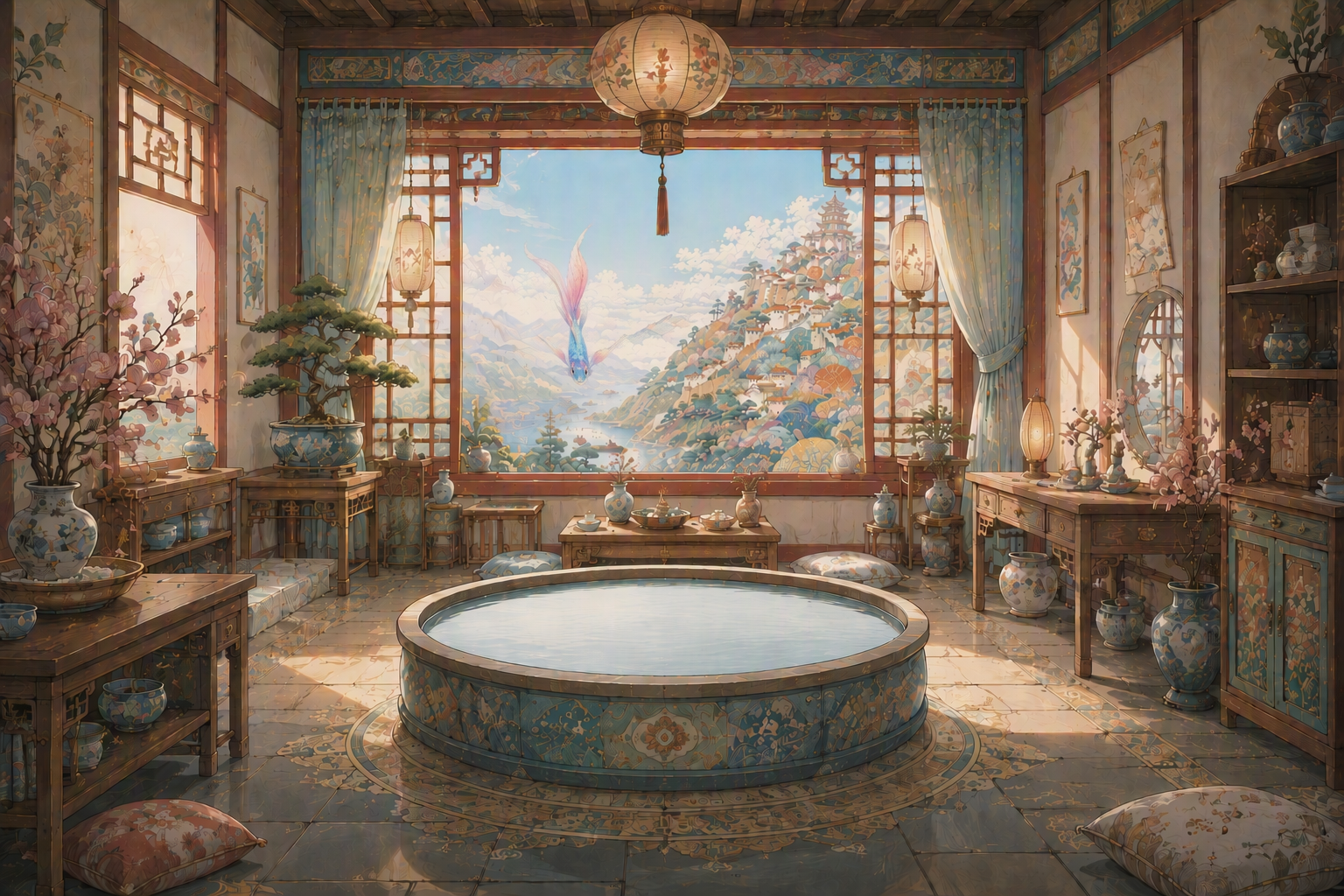
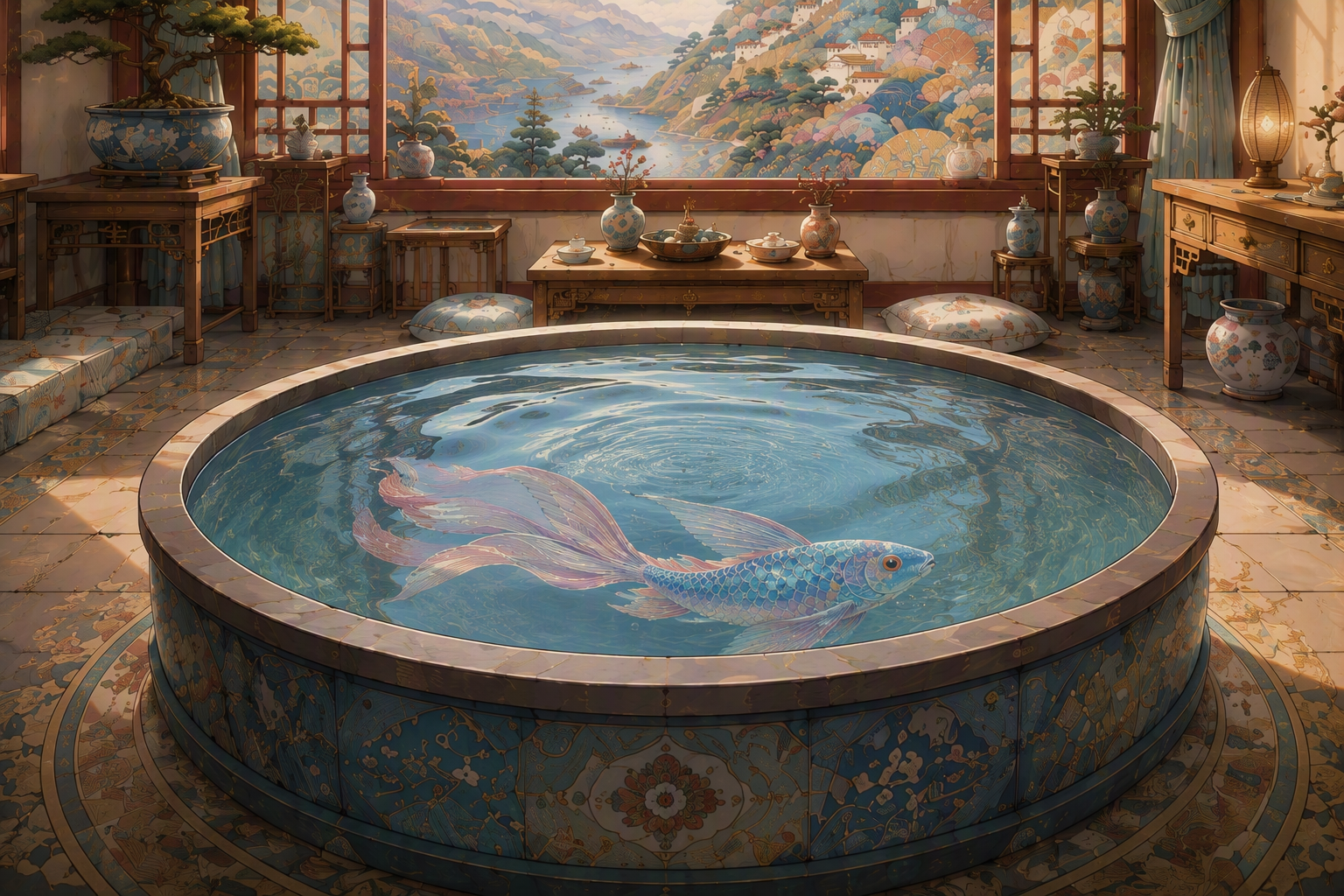
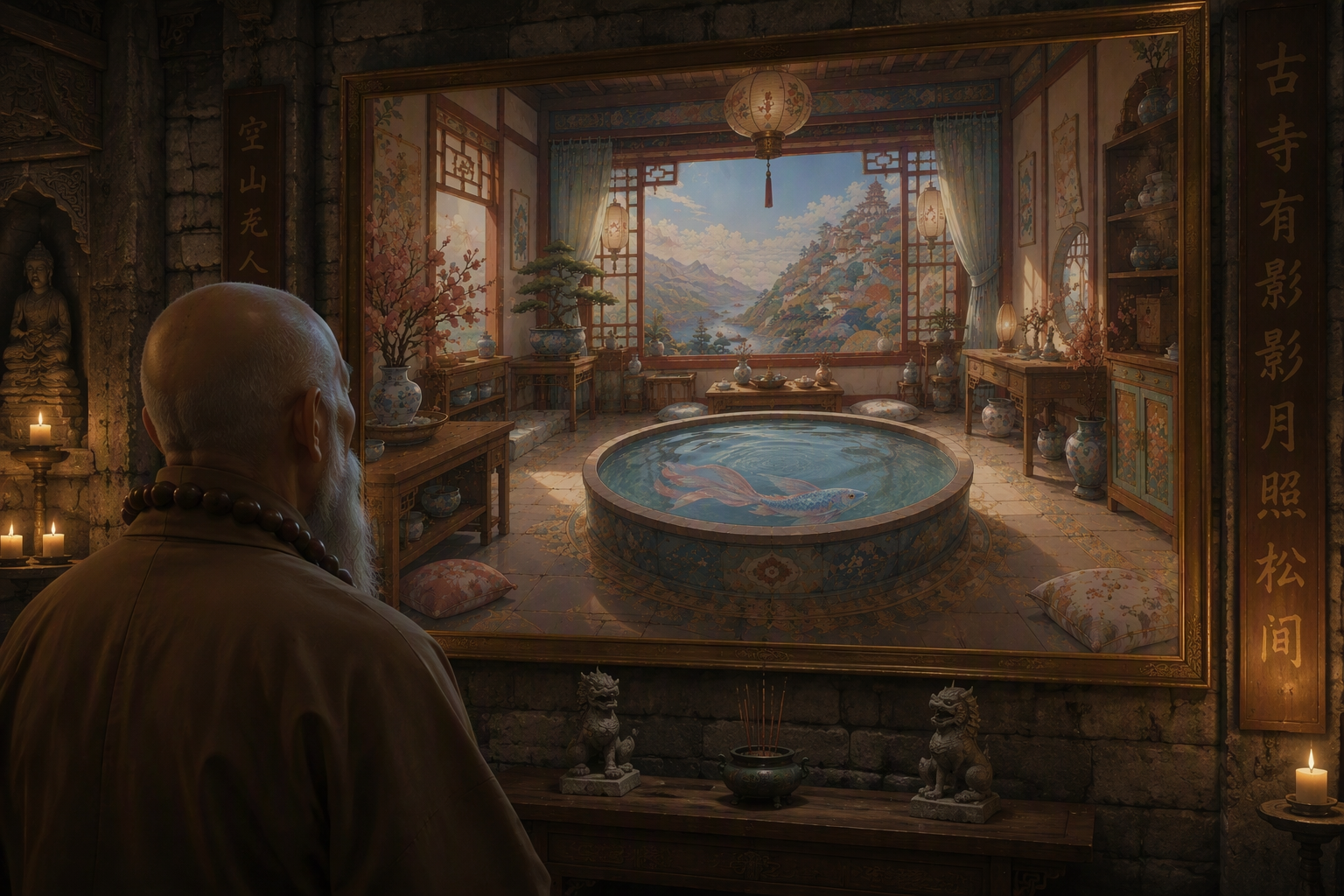
Differences from Seedance 2.0
1.
2.
3.
4.
MOV output, which better preserves color consistency, brightness consistency, and audio-visual consistency in extension and editing tasks.Prompt examples
Reference-to-video generation
3D clay-model video reference and rendering
Coarse-grained 3D clay-model video
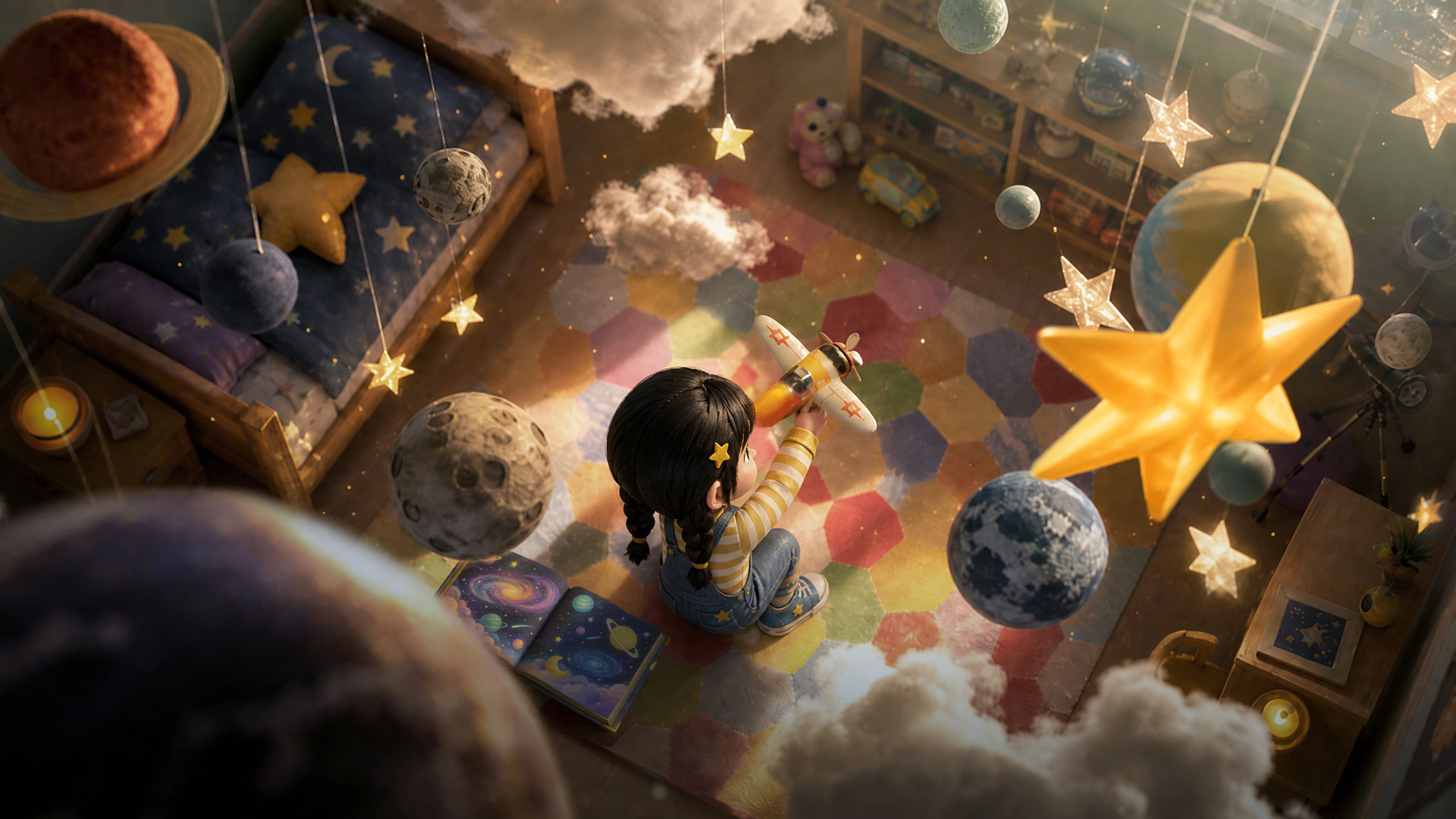
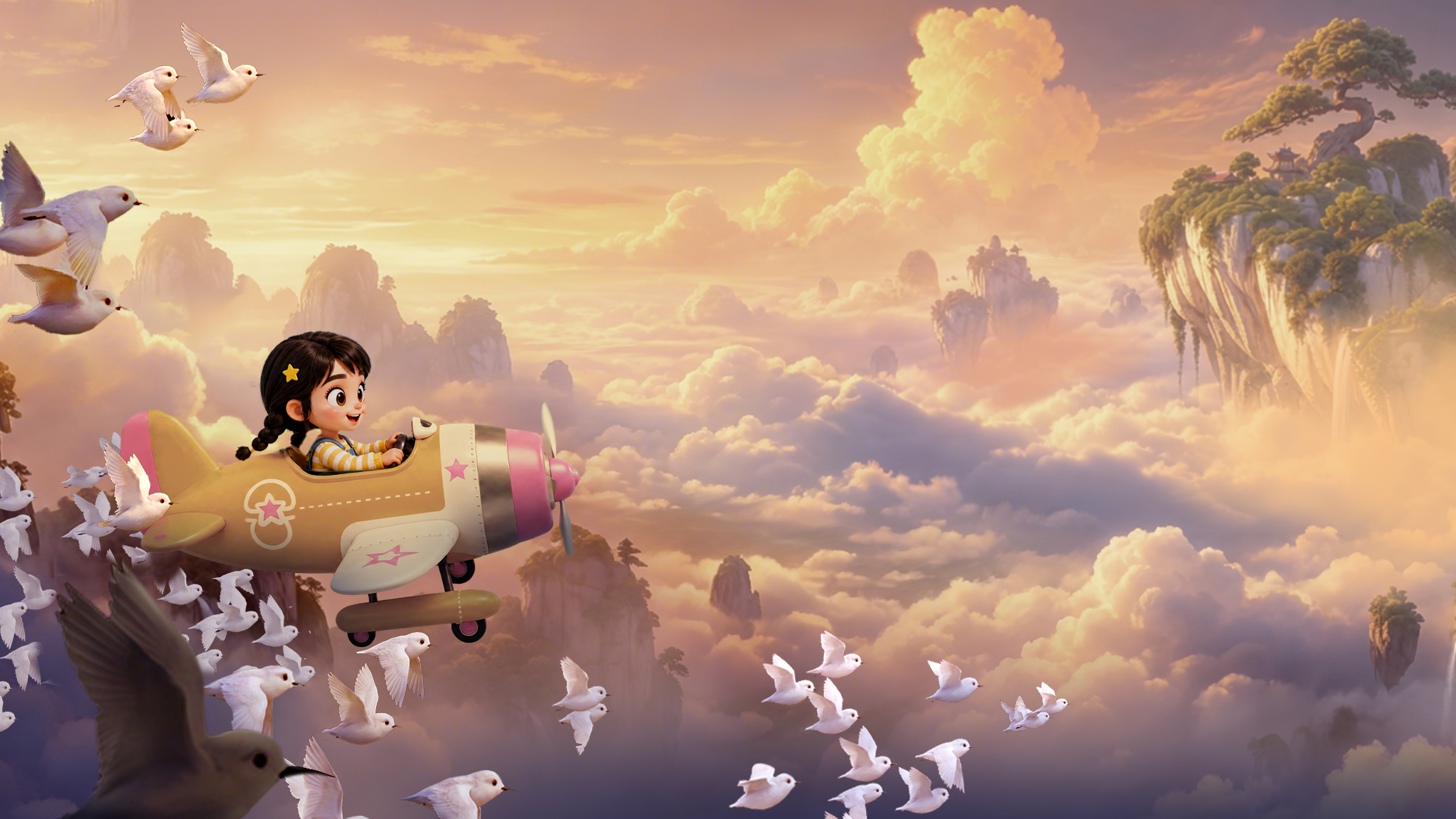
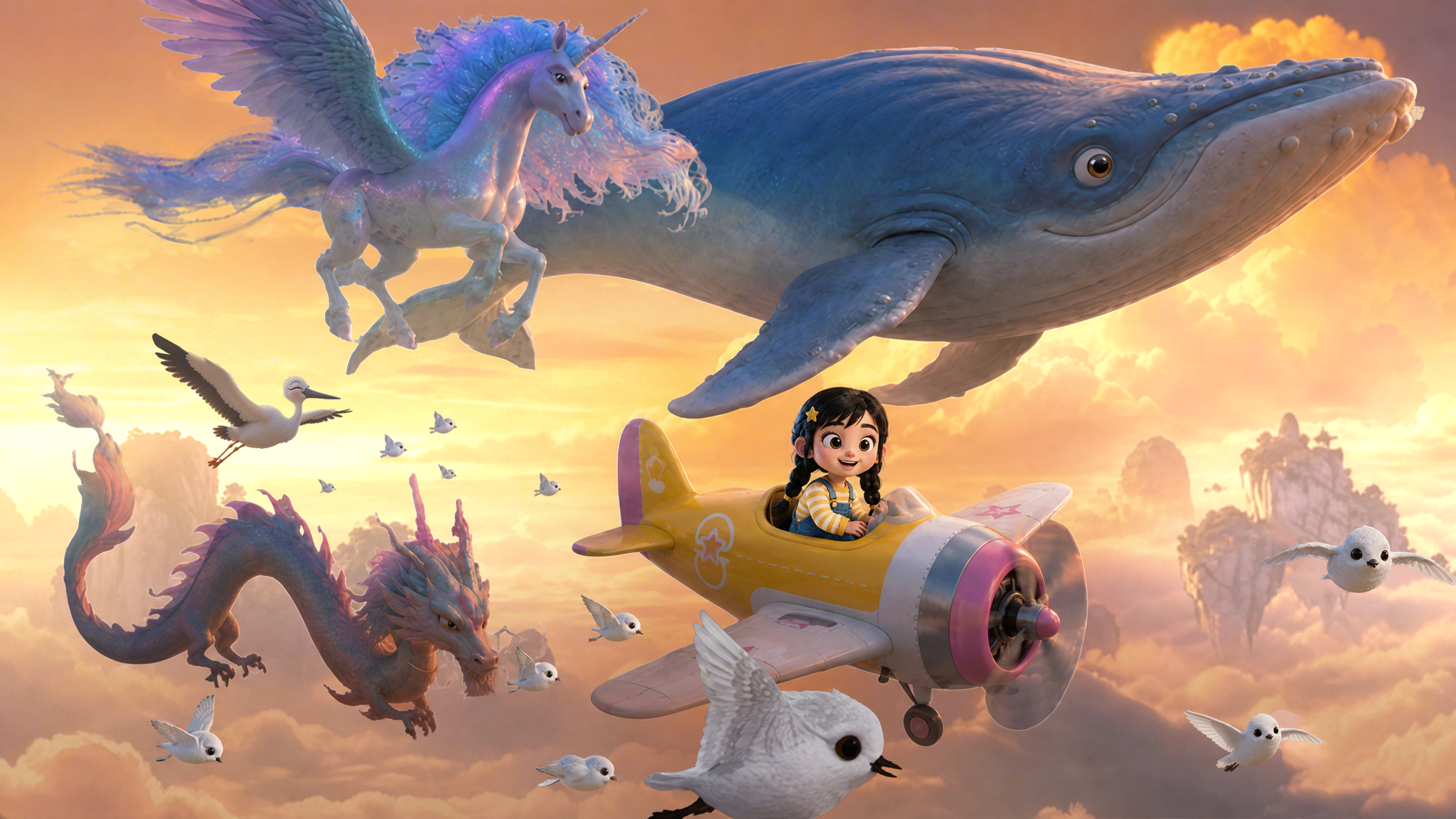
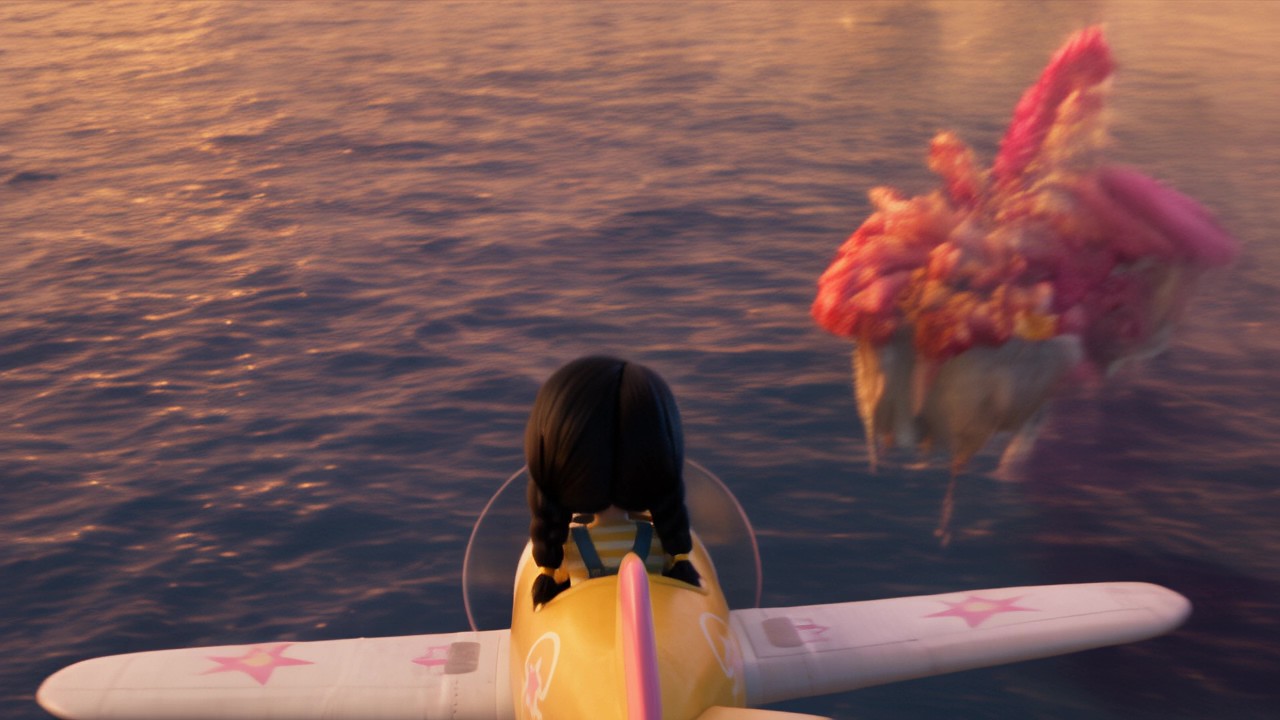
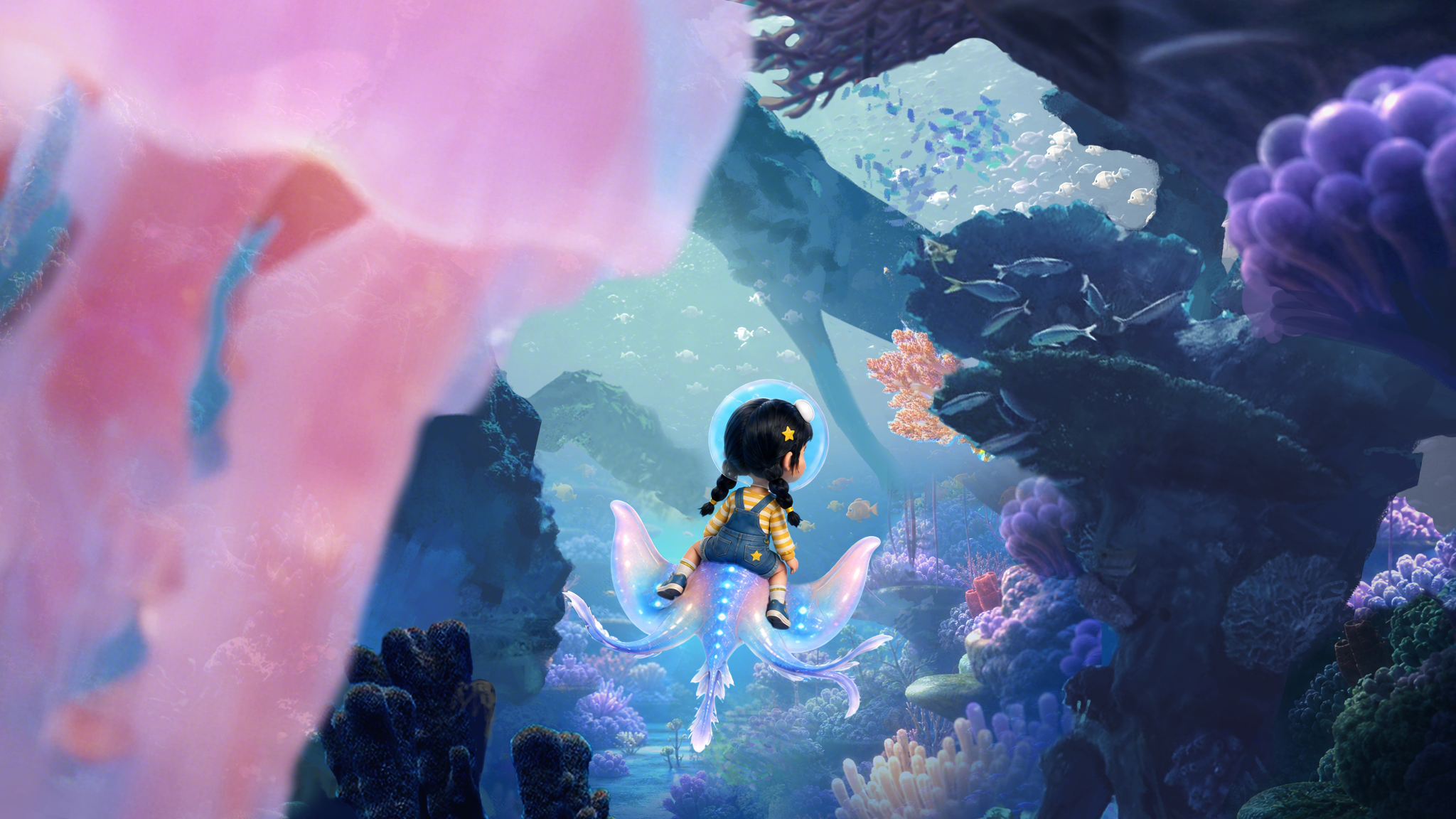
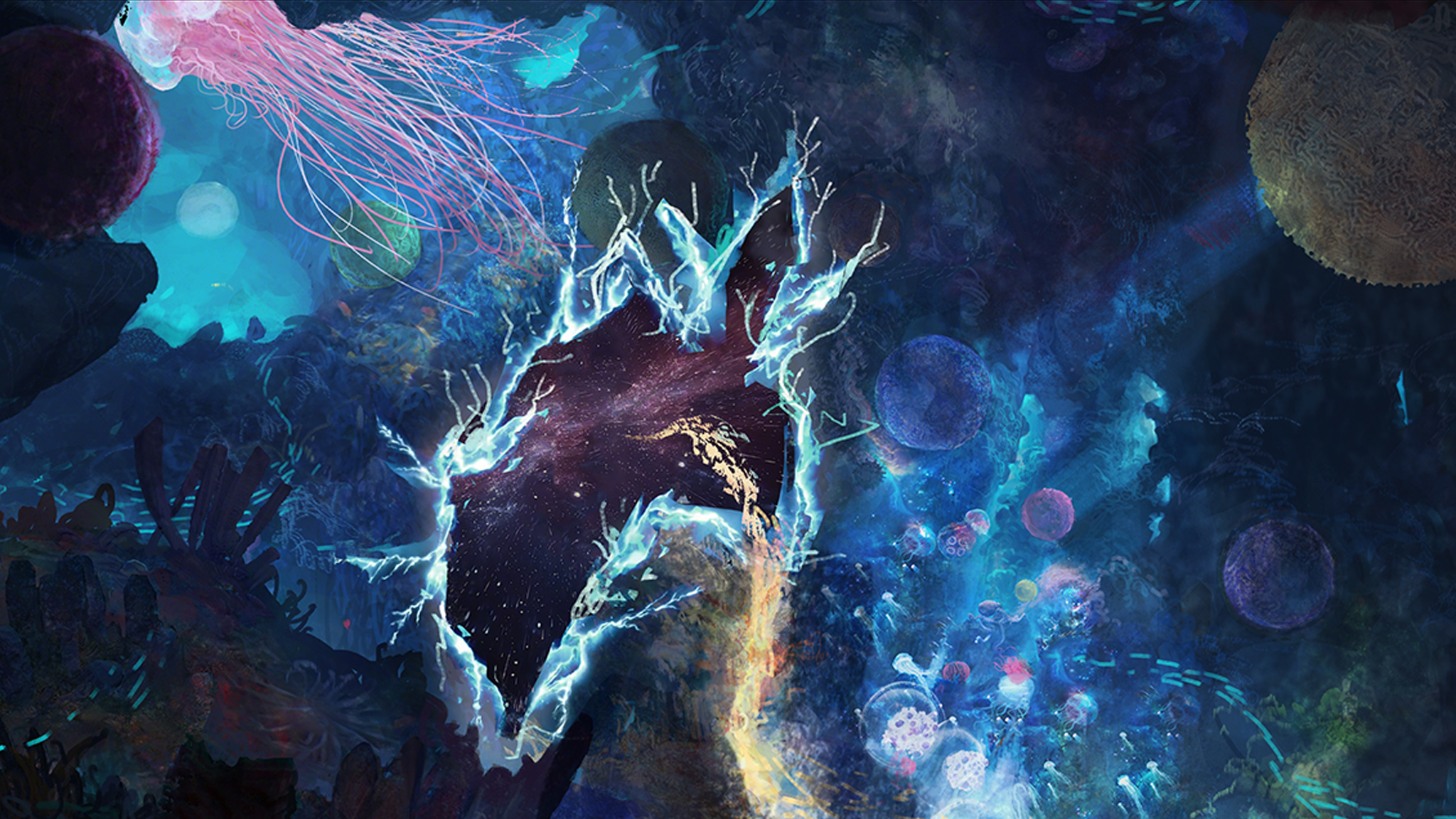
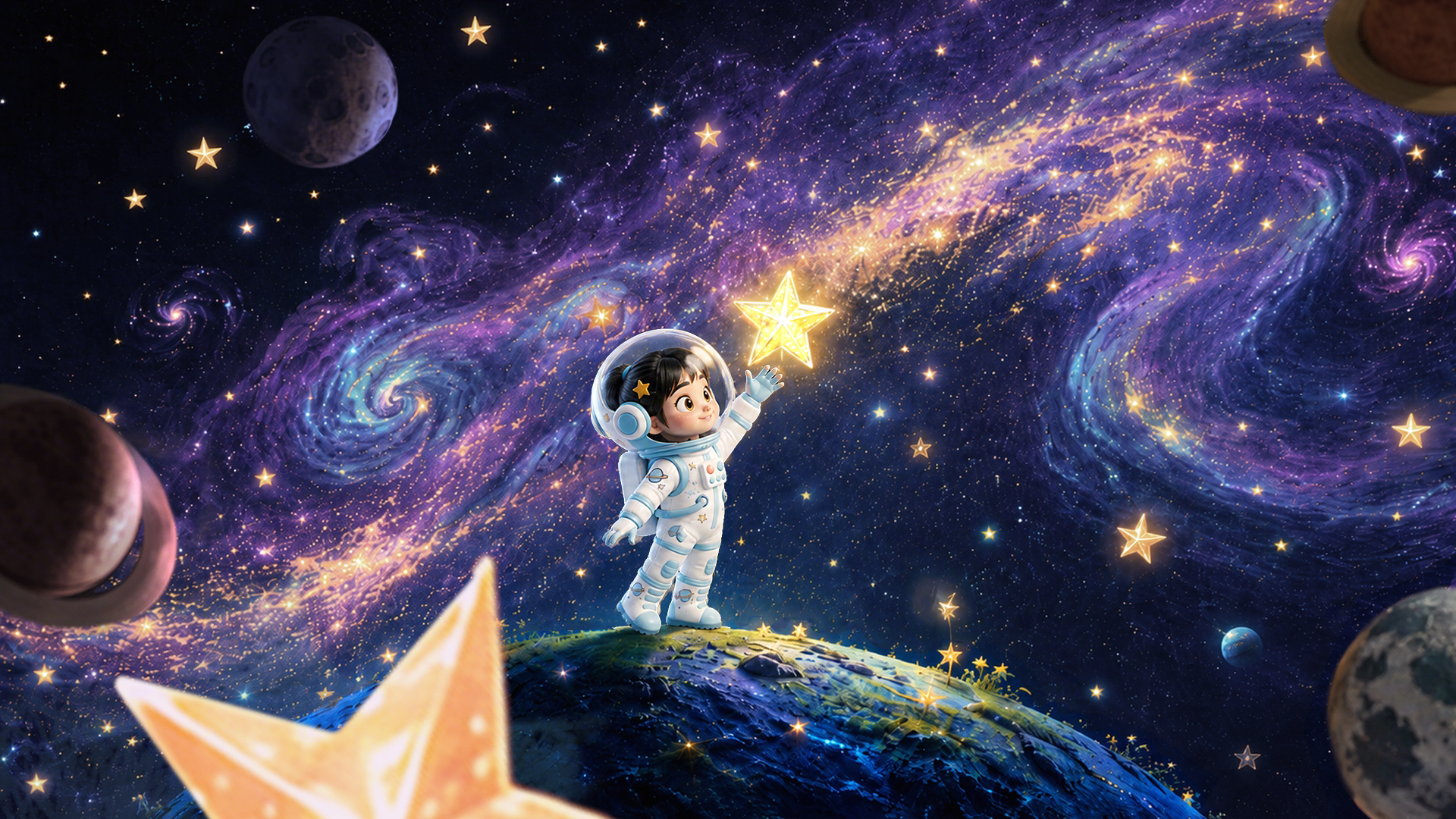
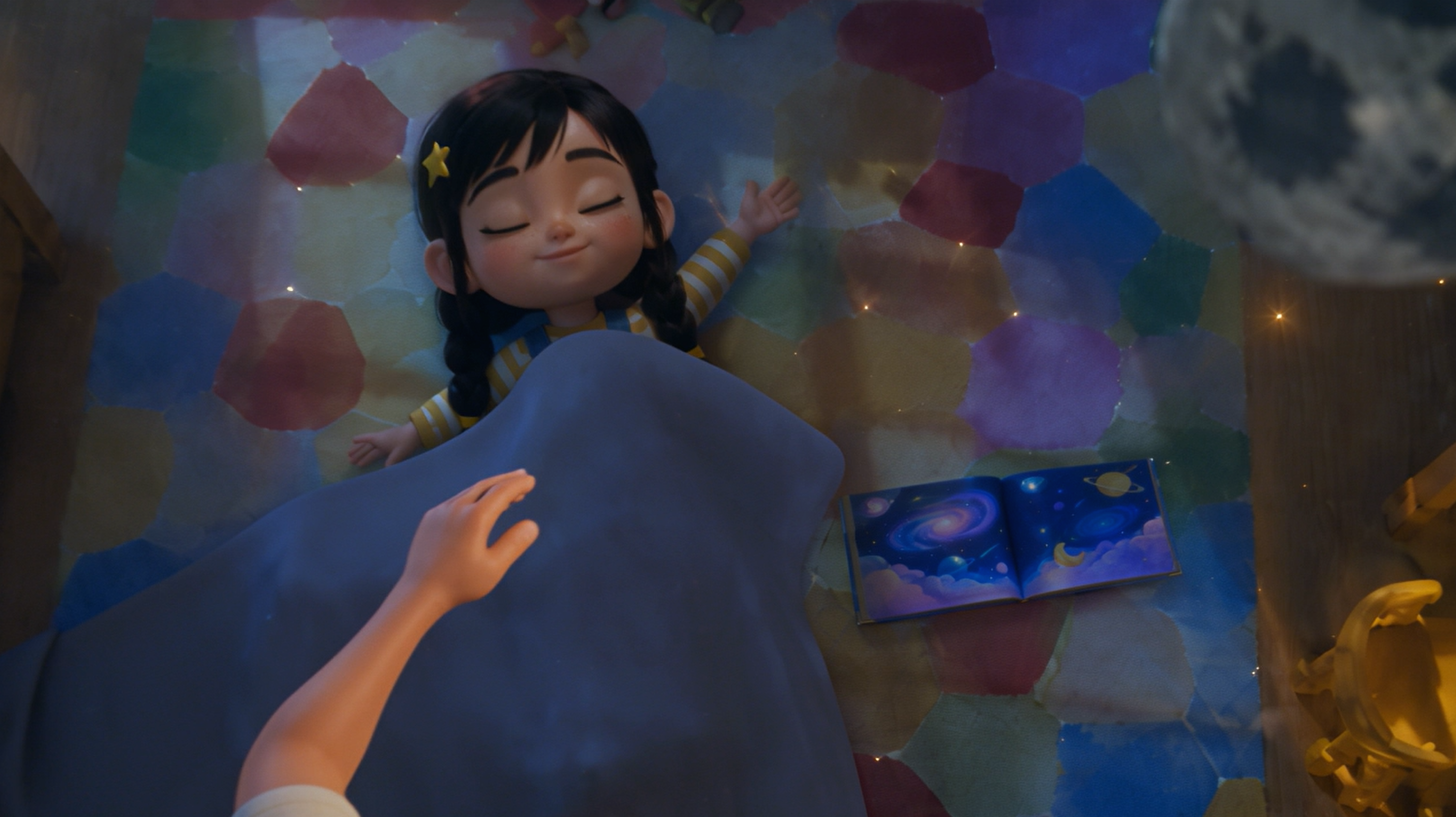
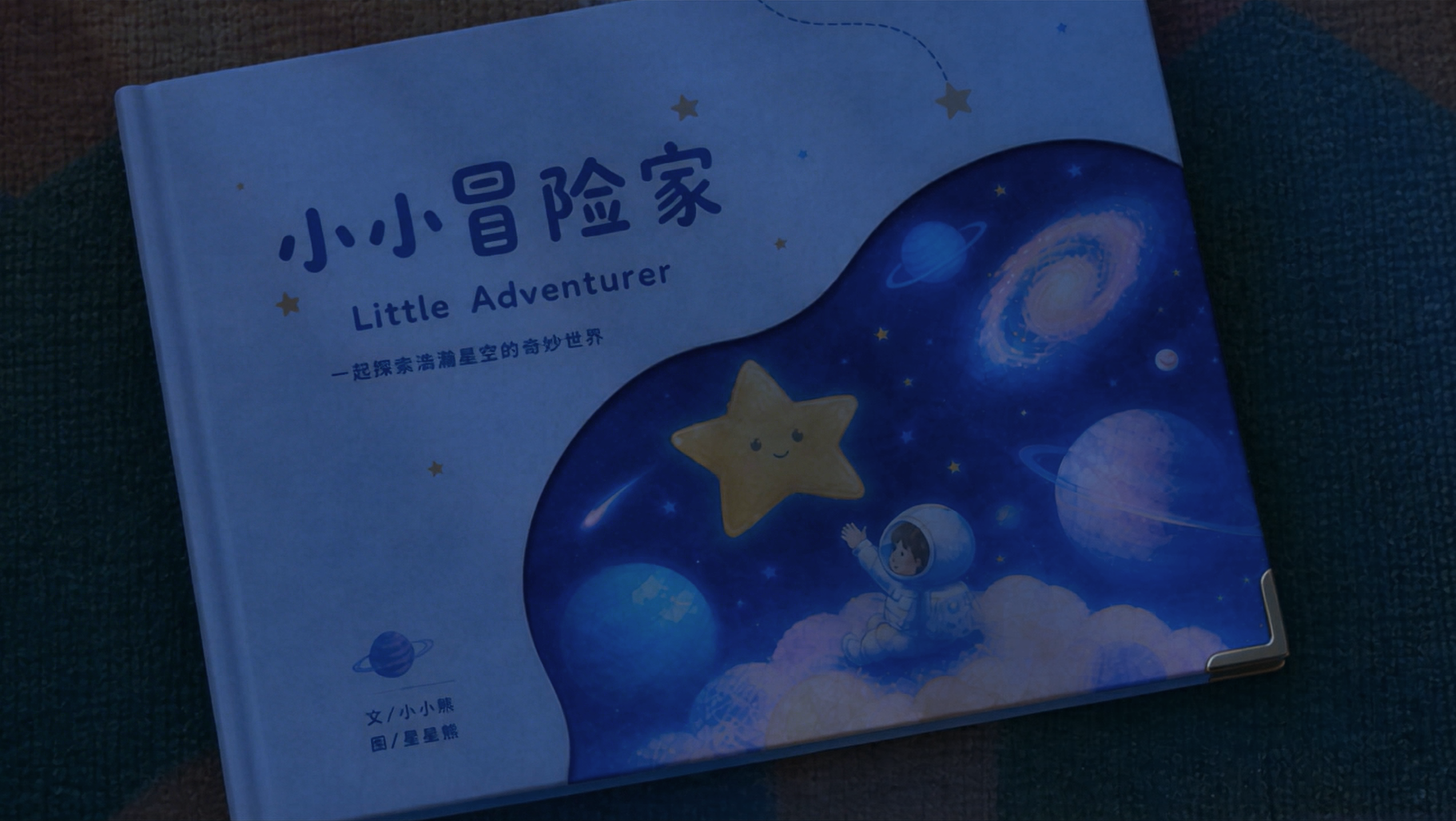
<video1> as the only reference for the entire video's camera movement, shot rhythm, shot-size changes, subject motion trajectory, and camera blocking. Strictly preserve the shot order, camera position changes, movement patterns, and pacing of the 3D clay-model video. Do not change the shot structure, add new shots, or alter the subject's motion logic.<2pic>): The shot starts from an overhead wide view and slowly pushes in toward a little girl on the floor. The girl sits on the carpet in her room, playing with a toy airplane. She stands up, turns left, and forcefully swings her right hand to launch the airplane. The toy airplane flies in an arc from left to right into the foreground. The sound gradually transitions from the sound of throwing a paper airplane into the engine sound of a real animated airplane, accompanied by gentle, soothing, cheerful background music.<3pic>): The airplane flies from left to right through hanging star decorations in the room. The girl rides the airplane into a fantasy sky. A flock of birds flies across the foreground, creating a natural transition. The camera continues side-following and rotating.<4pic>): The camera continues side-following and orbiting around the little girl. Throughout this segment, the girl keeps piloting the small airplane through a sea of sunset clouds. Around her, a flock of strange birds and giant mythic birds fly alongside her. The white dragon from the reference image swims forward through the air, a winged horse spreads its wings and flies, and a flying whale calls out. Floating islands appear in the background.<5pic>): The camera orbits to the back of the airplane. The airplane slowly dives toward the sea surface. The girl falls into the water, creating many bubbles in the frame. She swims toward the deep sea, now wearing a bubble-shaped oxygen helmet.<6pic>, <7pic>): The girl continues swimming deeper into the ocean. Suddenly, a manta ray swims into frame and carries the girl forward. The camera continues following the manta ray and the girl as they travel through a dazzling underwater world. The girl looks amazed by the beautiful underwater scenery. The camera keeps pushing forward, revealing a huge space-time rift ahead. The area around the rift looks like broken mirrors, while inside the rift is a brilliant cosmic galaxy. The girl feels a little frightened, but is eventually pulled into the space-time rift and arrives in a fantasy universe.<8pic>): The girl bursts out of the space-time rift into the fantasy universe, and her outfit changes into the spacesuit shown in the keyframe. Wearing the spacesuit, she jumps from one planet to another. She reaches out, leaps forward, and catches a glowing star. The frame freezes.<9pic>): In the foreground, the girl and the planets begin to flip forward, gradually transforming and disappearing. In the background, the overhead view of the bedroom from the opening scene (reference: <1pic>) slowly fades in.<9pic>): The overhead camera continues pushing in. The girl lies asleep on the carpet, still holding the star-catching pose with her hand. A toy airplane and a space-themed picture book lie beside her. Her Asian father enters the frame from the lower left and gently covers her with a blanket. The lighting slowly shifts from warm dusk light to cool moonlight at night.<10pic>): The camera continues pushing in toward the picture book. The father enters the frame and gently closes the picture book on the floor with his right hand. The final frame freezes on the picture book.🎬 Demo Video: vid_001_video-1.mp4
🎬 Demo Video: vid_002_10.mp4
🎬 Demo Video: vid_003_8月3日(1).mp4
Fine-grained 3D clay-model video
🎬 Demo Video: vid_004_偷感很重.mp4
🎬 Demo Video: vid_005_seedance25-cyberpunk-rooftop-raccoon-render-6s-720p-20260804-baseline-run01_cgt-20260804112511-lpq4w.mp4
🎬 Demo Video: vid_006_飞船-594音乐.mov
Multi-panel storyboard reference
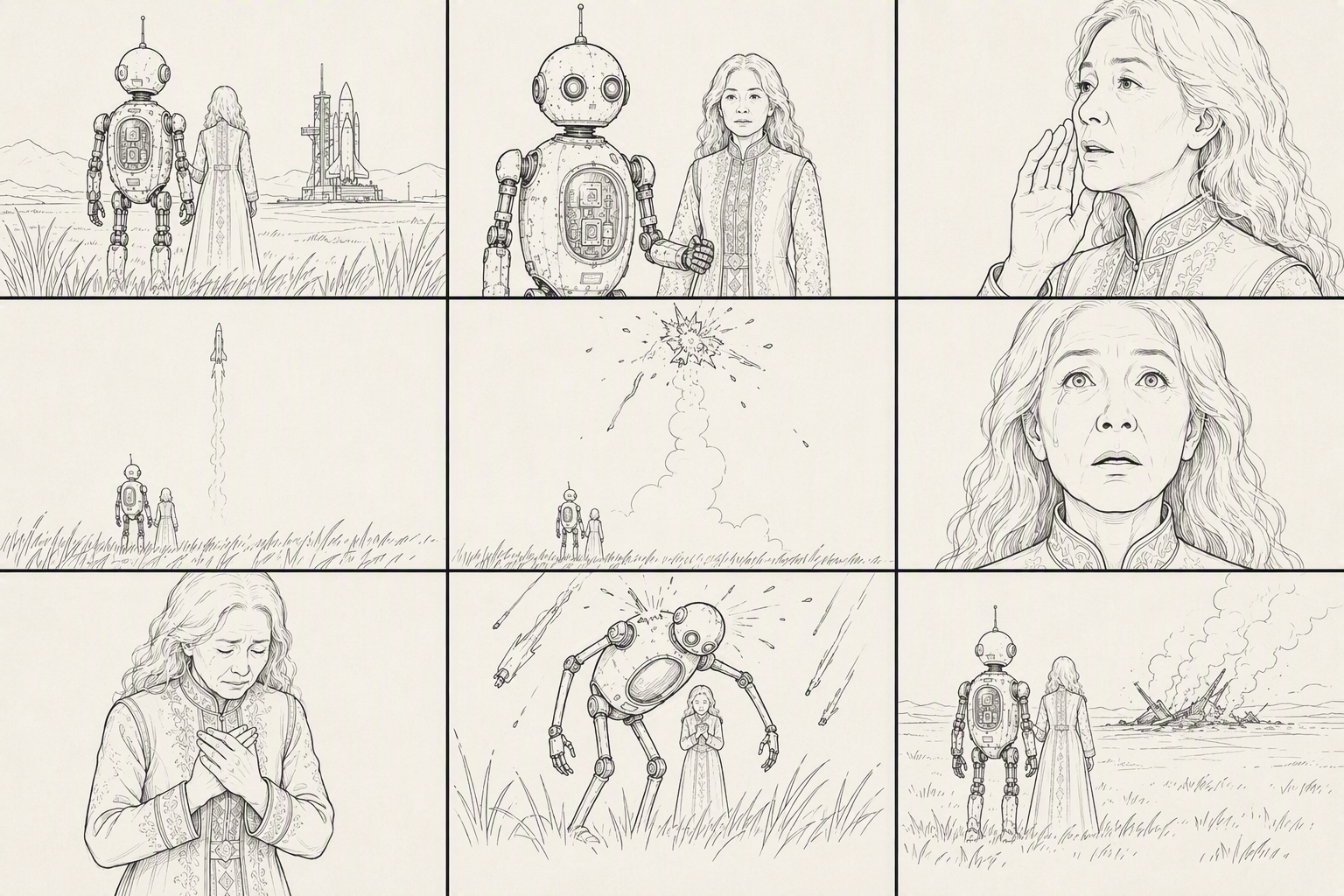
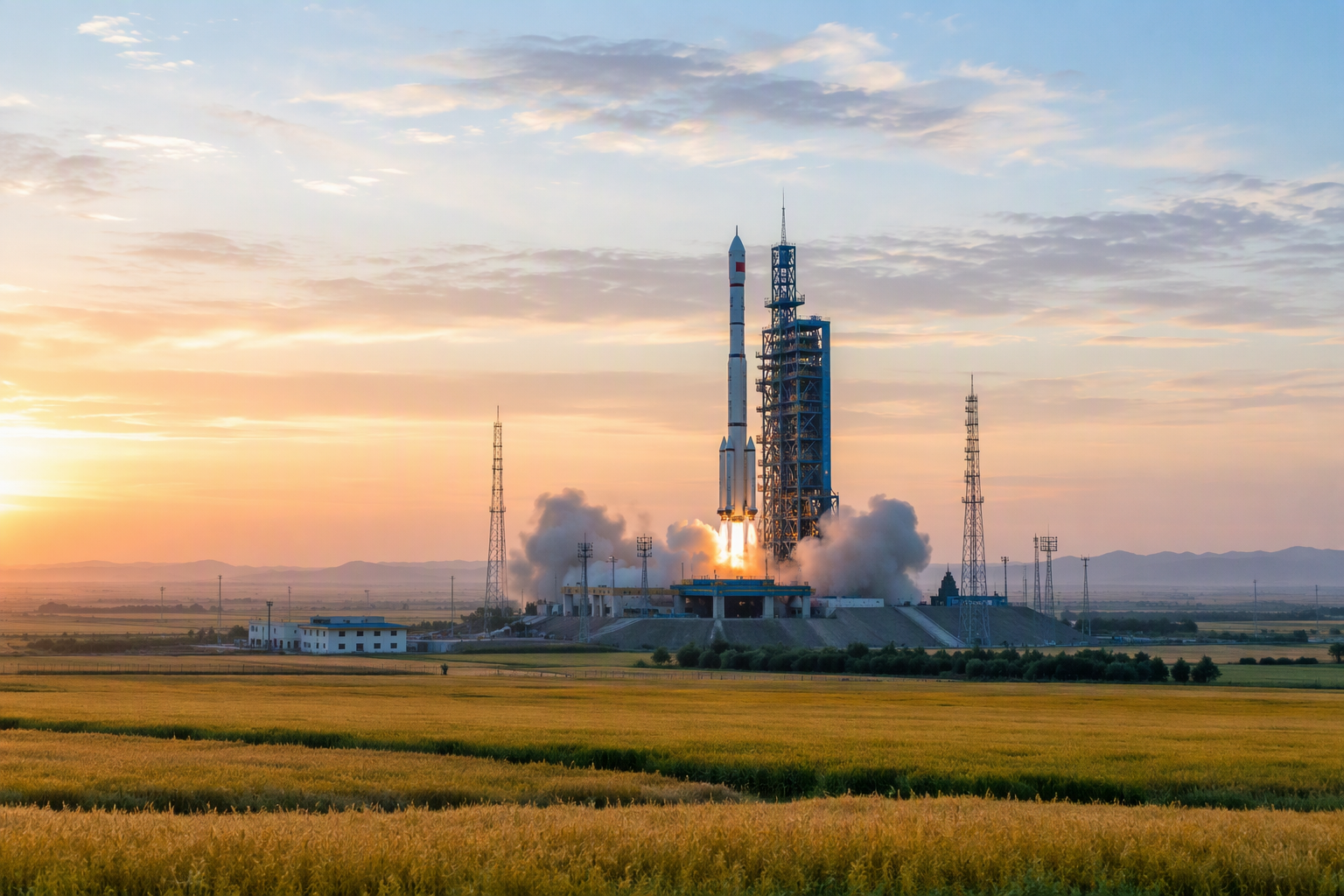
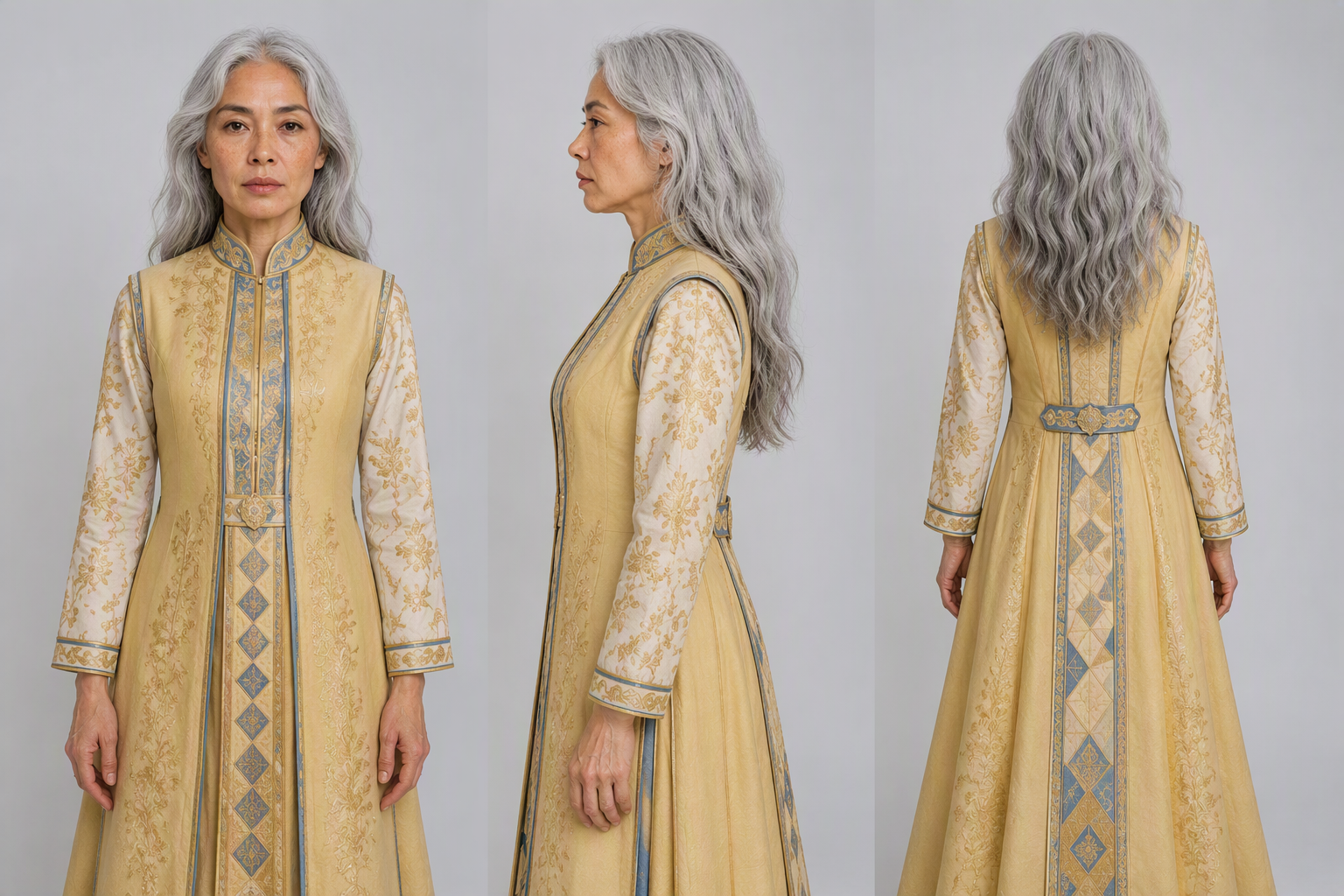
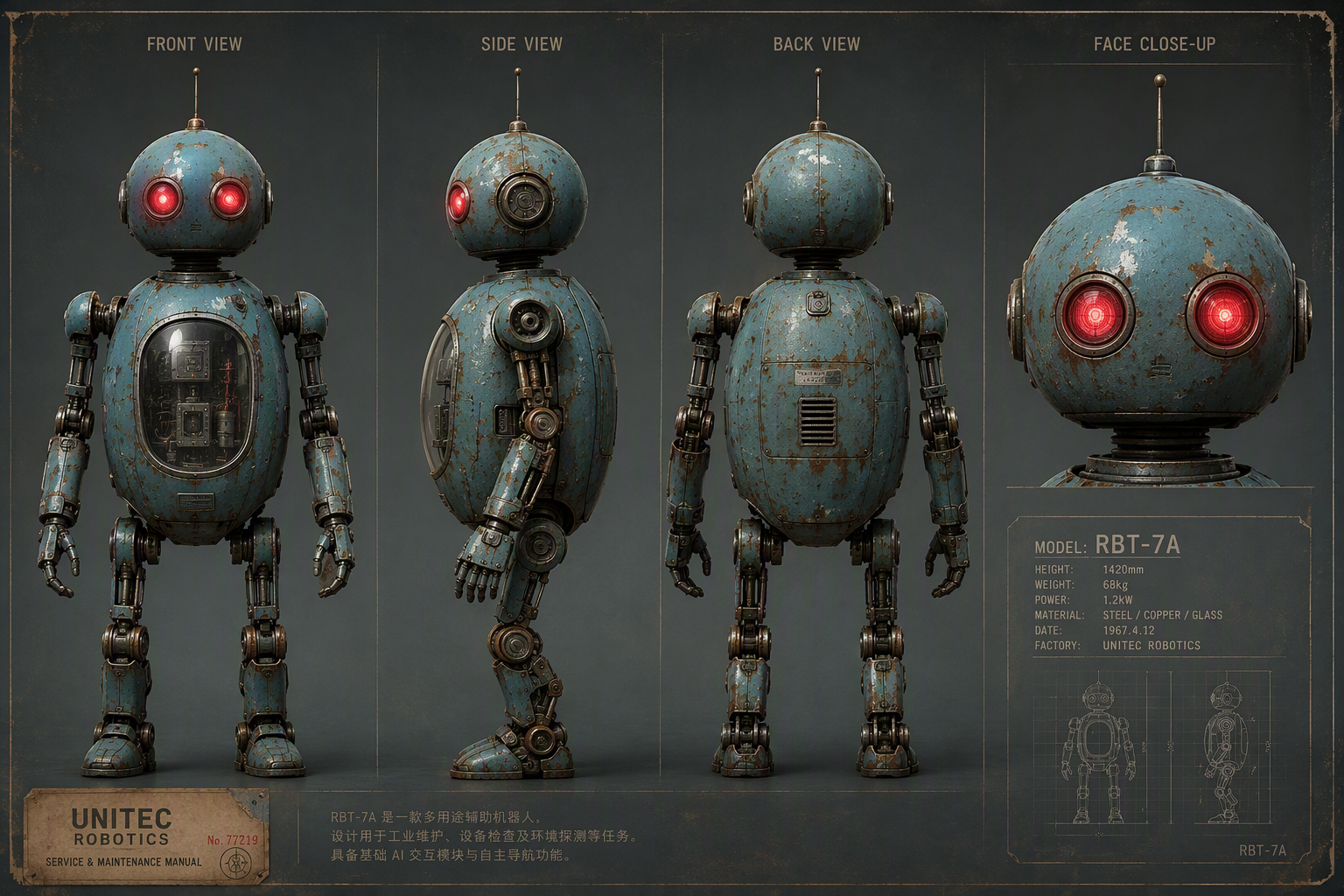
🎬 Demo Video: vid_007_守护机器人_火箭发射_30s.mp4
Keyframe reference




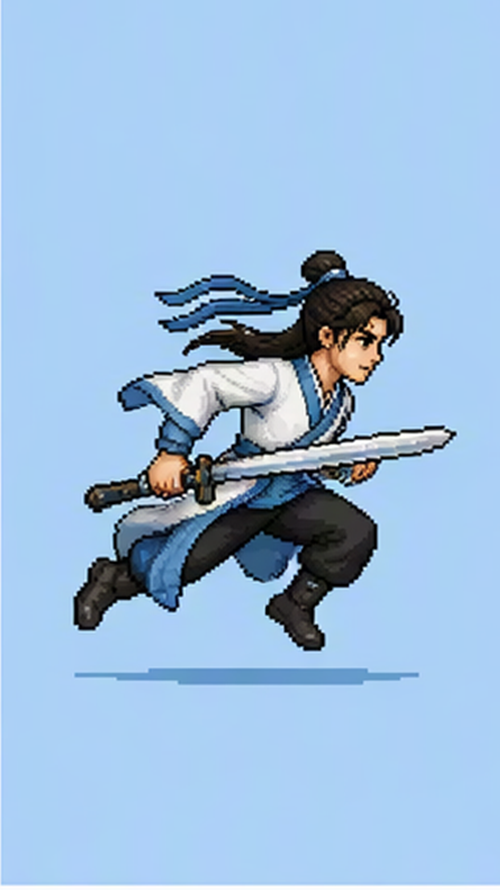
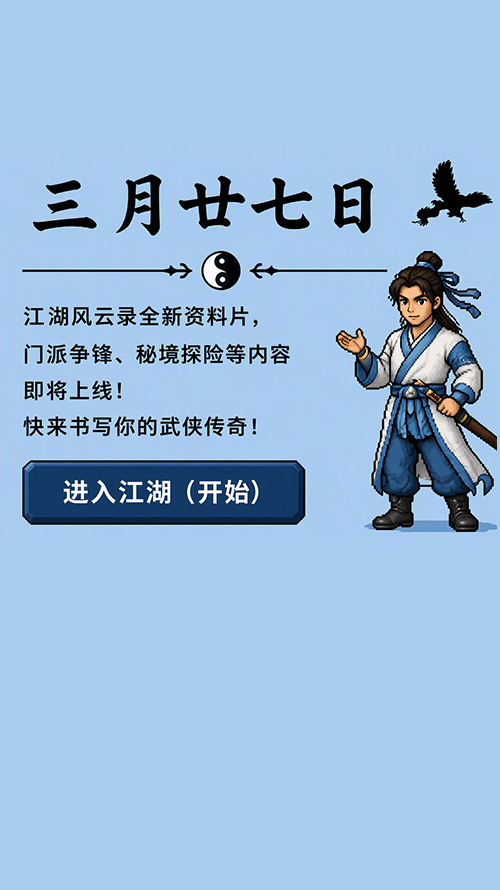
🎬 Demo Video: vid_008_pixel_cgt-20260805221932-s8jkr.mp4
Edit videos
Video instruction editing
🎬 Demo Video: vid_009_对镜含泪凝视.mp4
🎬 Demo Video: vid_010_20260803T215035_2614ad0b51c3_表情变化.mp4
Video editing with reference images
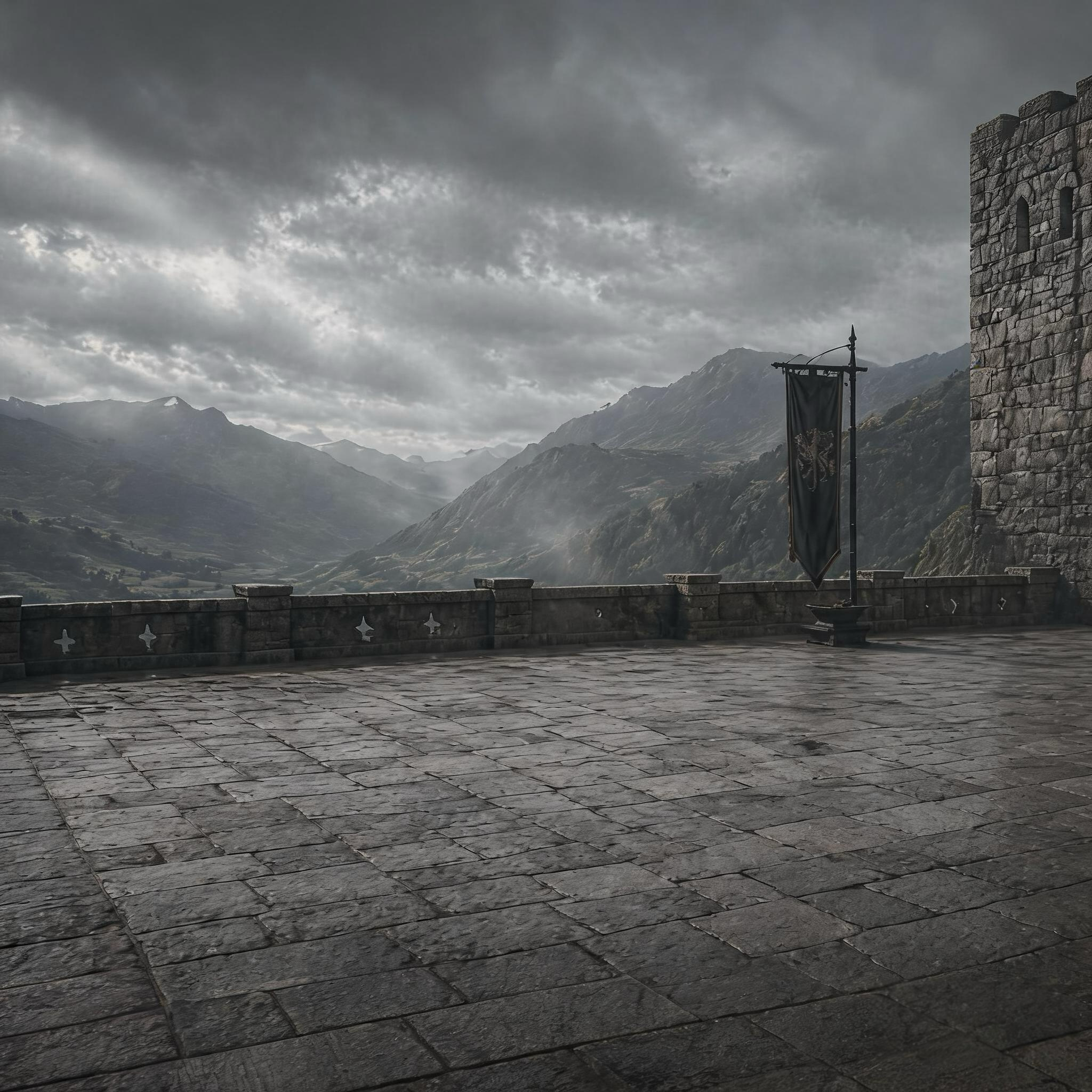
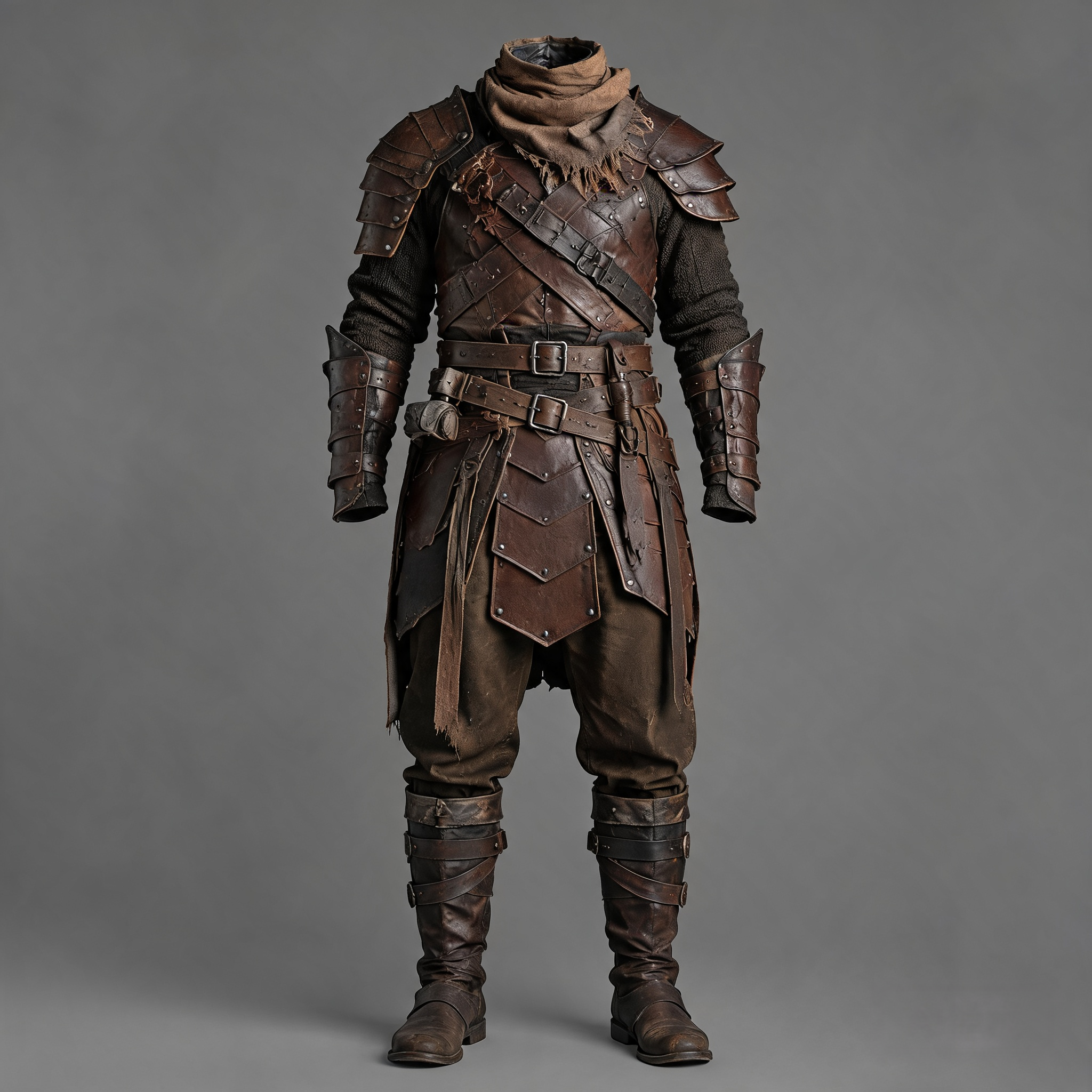
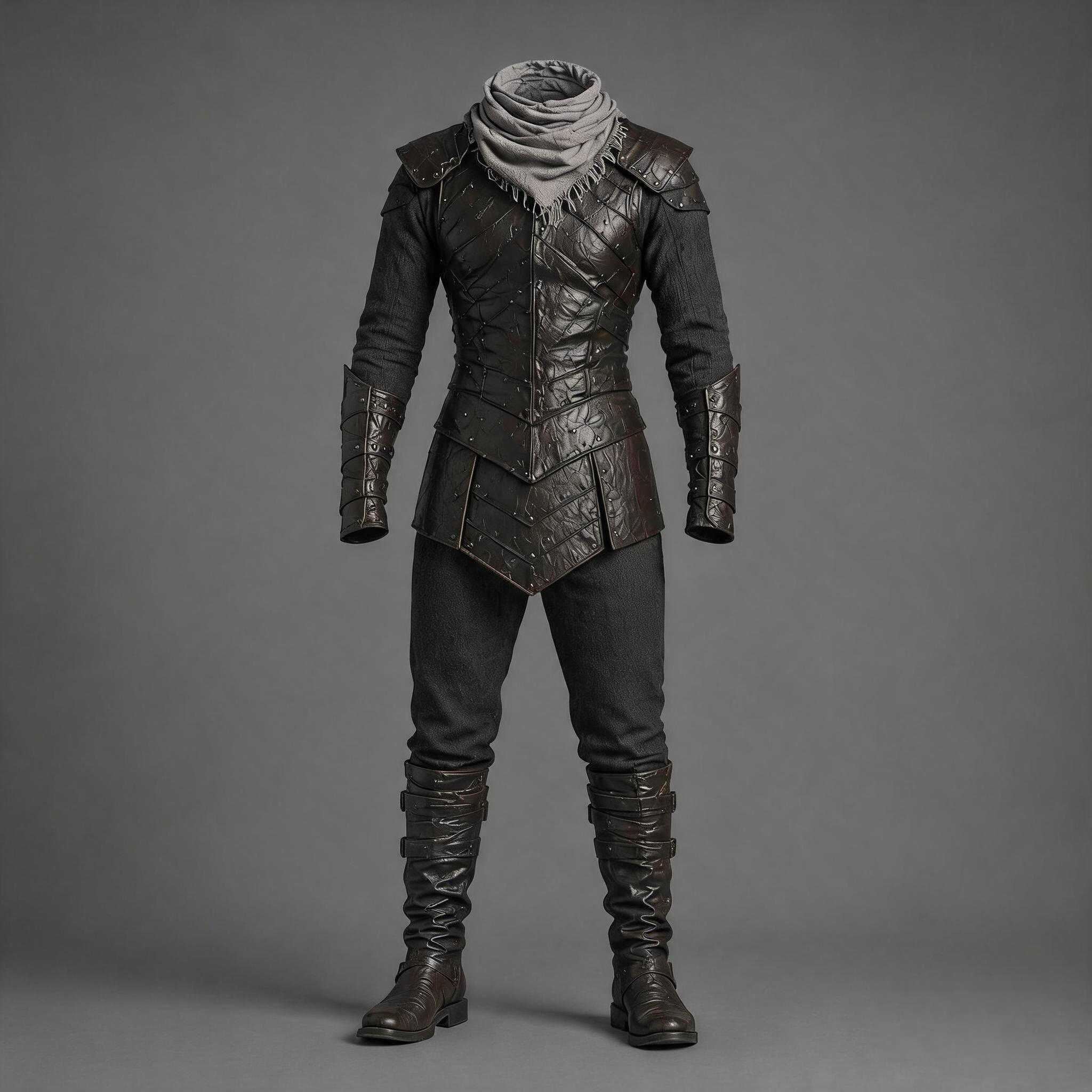
🎬 Demo Video: vid_011_reference1.mp4
🎬 Demo Video: vid_012_output.mp4
Video audio editing
🎬 Demo Video: vid_013_30秒动漫独白.mp4
🎬 Demo Video: vid_014_动漫中文输出.mp4
Other examples
Video extension
[!WARNING]
Selectmovas the output format.
🎬 Demo Video: vid_015_0615_发芽.mp4
🎬 Demo Video: vid_016_seedance25-extend-bee-pollination-5s-720p-mov-20260803-baseline-run01_cgt-20260803215229-28wbd.mov
🎬 Demo Video: vid_017_8月3日.mp4
Pay close attention around the 15-second mark: there should be no visible stitching or transition artifacts.
One-click video creation
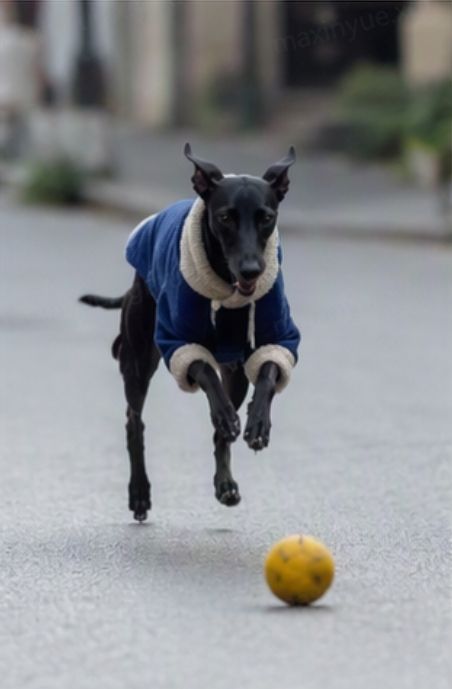
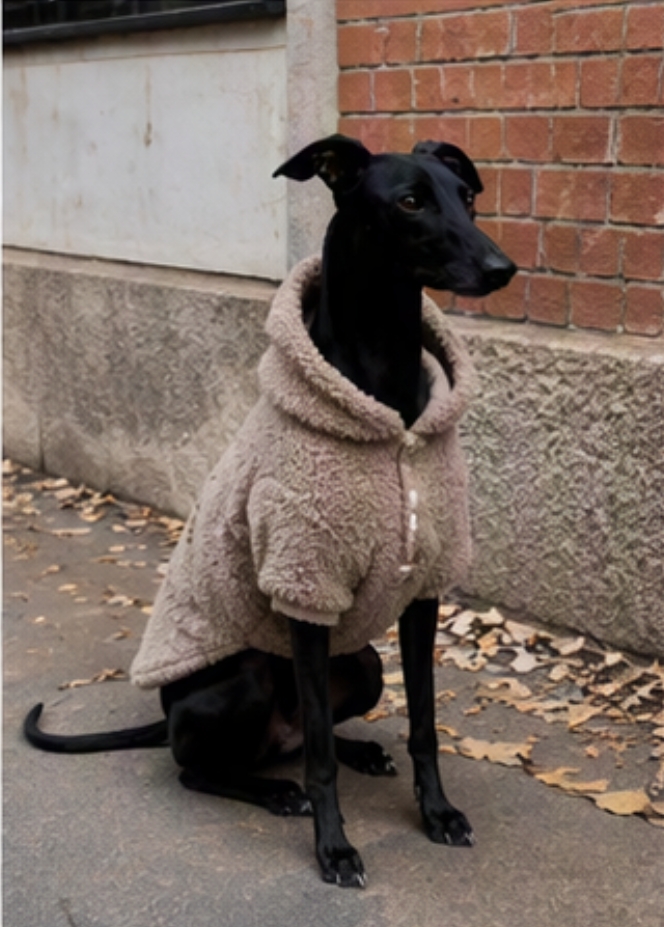
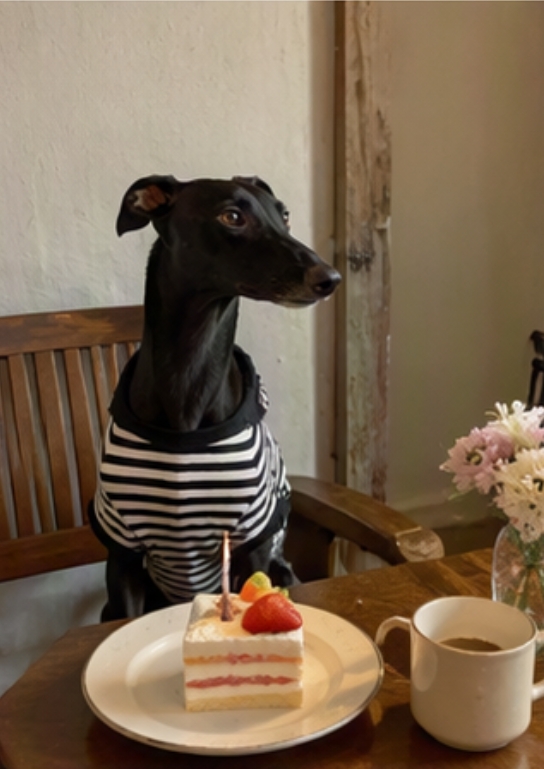
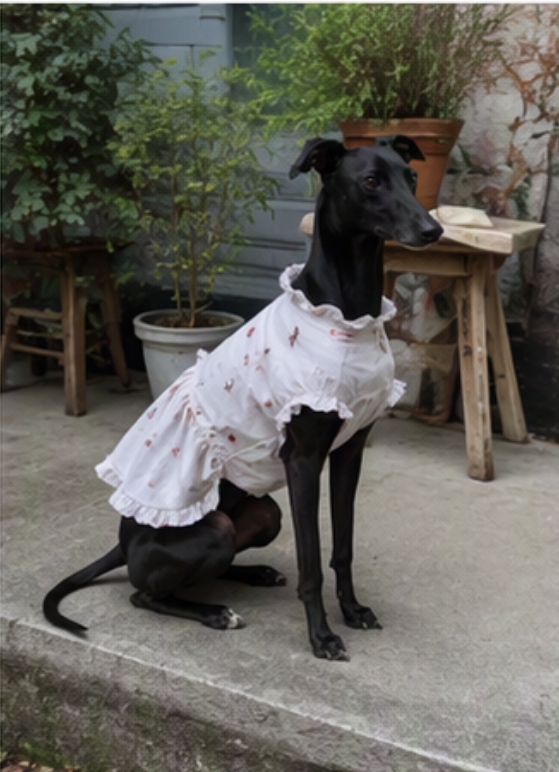
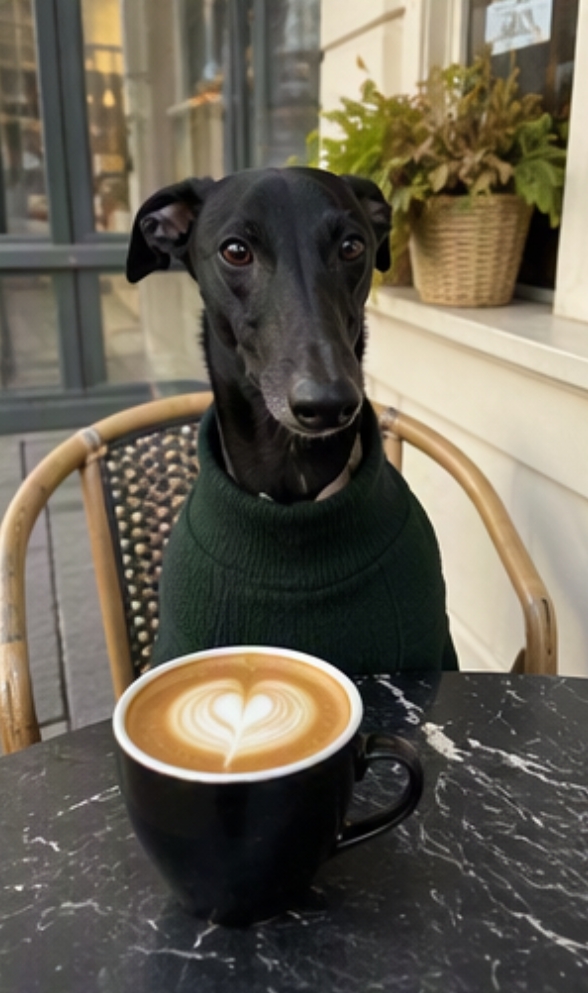
🎬 Demo Video: vid_018_8282ec97-0d00-4a2f-9896-9c1d88c600bc.mp4
Seamless video transition
🎬 Demo Video: vid_019_1.mp4
🎬 Demo Video: vid_020_2.mp4
🎬 Demo Video: vid_021_积木转场视频.mov
Summary
Modified at 2026-09-23 08:13:25